Description
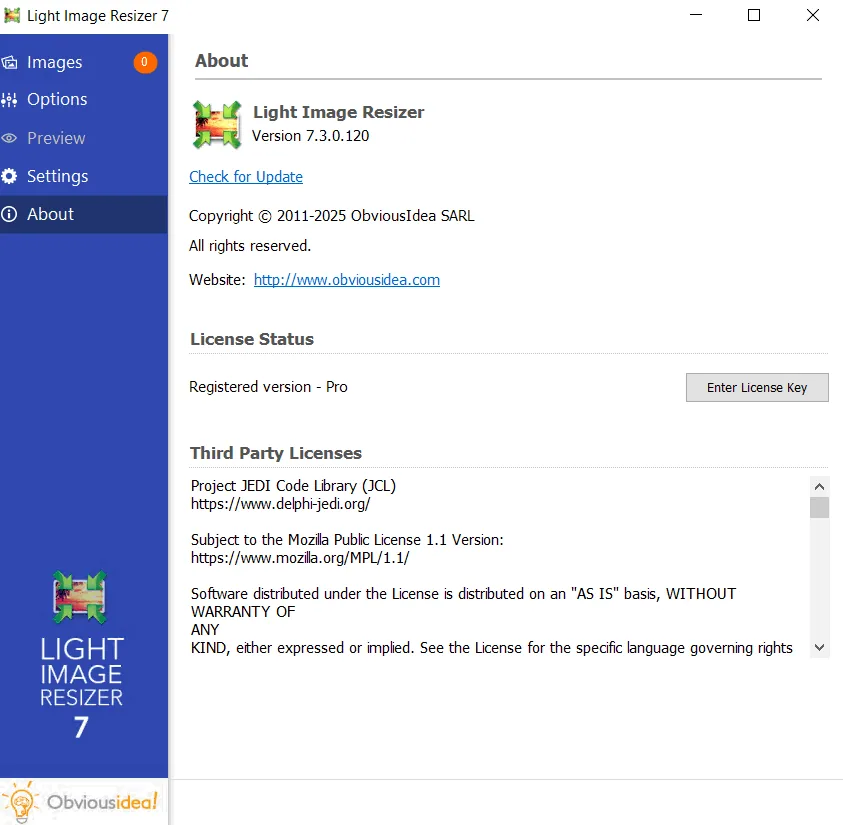
Light Image Resizer , developed by Obvious Idea and previously known as VSO Image Resizer , is a free tool that helps organize photos by reducing the resolution of images or moving them around on your hard drive. It is an ideal tool for those who store their digital images and photos on their computer and want to resize, compress, convert, copy, import or organize them. Light Image Resizer is integrated into the Windows explorer shell . Just right-click on your images to start working with them.
This free software allows users to create email-friendly versions of their images, upload them faster, easily move them from one folder to another, change their format, batch edit and resize large numbers of image files, and thus save more space on their hard drive. Using high resolutions like 1600×1200 for wallpaper or file sharing can save memory. Lite Image Resizer can also rename files using a template , and users can add their own watermark to images with support for transparency.
Program features and functions
- This software allows users to easily resize images or convert them to different formats. With this tool, you can choose the desired output resolution, make a copy of the original image, resize the image, move and/or rename files, or compress them, and choose a specific destination for the processed images. You can work on a single image or batch resize a large number of images with a single click.
- Users can add their own watermark to protect their work or add copyright to photos. This watermark supports text formatting similar to HTML and transparency. You can also personalize images by converting them to sepia or adding a border . Using the live preview , you can see the final result before processing the image. The software works on files, folders, and subfolders and also supports RAW formats. With multi -core support , images are converted faster. You can easily run the program by right-clicking on the image or folder in Windows Shell Explorer .
- Using the publish feature, images can be attached individually or in a ZIP file directly to an email , without exceeding the maximum size allowed by email servers. It is also possible to create PDF files from images, such as jpg to PDF, individually or for multiple images. Users can create, edit, export and backup new profiles with their favorite settings . The most popular profiles are predefined, such as FULL HD, iPod , NTSC , and 640×480 resolution wallpapers . With integration into the shell , access to profiles is possible with just one click.
System requirements
Windows 8.1 or newer operating system
Pictures

Installation Guide and Tips
Copy and replace the contents of the Crack folder in the software installation location.
Download link
Download Light Image Resizer 7.5.0.142 Multilingual
File(s) password: www.downloadly.ir
File size
53 MB