Descriptions
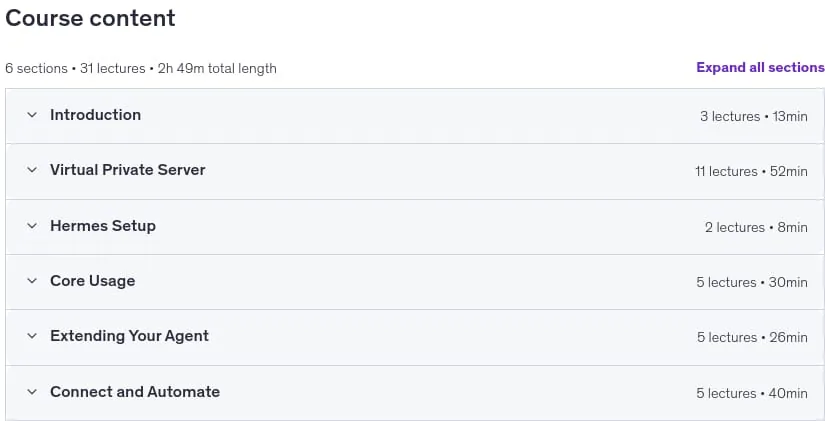
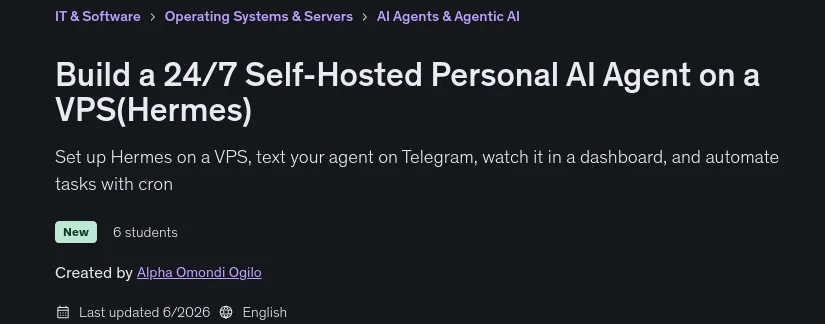
Build a 24/7 Self-Hosted Personal AI Agent on a VPS (Hermes), In this hands-on course, you will learn how to build and deploy a 24/7 self-hosted personal AI agent on a low-cost Virtual Private Server (VPS) using Hermes. You will start by setting up and hardening a Linux server with key-only SSH, firewall, fail2ban, and automatic security updates. From there, you will configure Hermes, connect LLM providers such as OpenAI, Claude, or OpenRouter, and manage sessions, memory files, tools, and context files directly from the command line and terminal interface.
As you advance, you will extend your agent’s capabilities by installing ready-made skills, creating custom skills, and setting up personalities. You will connect a Telegram bot to chat with your agent from anywhere, monitor operations in the Hermes web dashboard over a secure SSH tunnel, and automate recurring tasks using cron and chained pipelines. Additionally, you will integrate external tools via the Model Context Protocol (MCP) to manage real-world workflows like GitHub issues, giving you a private, powerful AI assistant under your complete control.
What you’ll learn
- Deploy a personal AI agent that runs 24/7 on your own low-cost VPS
- Harden a Linux server with a non-root user, key-only SSH, a firewall, fail2ban, and automatic security updates
- Install and configure Hermes, connect an LLM provider, and run multiple agent profiles
- Operate your agent from the CLI and TUI – sessions, tools and toolsets, memory, and context files
- Install ready-made skills and write your own to extend what your agent can do
- Connect a Telegram bot through the gateway so you can message your agent from your phone, anywhere
- Monitor your agent in the Hermes web dashboard over a secure SSH tunnel
- Connect external tools with the Model Context Protocol (MCP) – wire up GitHub and manage issues from Telegram
Who this course is for
- Developers and curious hobbyists who have played with ChatGPT, Claude, or Cursor and want to run their own always-on agent on hardware they control
- Self-hosters and homelab enthusiasts who would rather deploy and own their AI stack than rent it
- Indie hackers and solo founders who want a multi-agent workforce (coder, tester, deployer) that ships work while they sleep
- Beginners who want to learn real Linux server administration through a concrete, motivating project
- Engineers comfortable on the command line who want a hands-on tour of MCP, agent orchestration, and the operational side of LLMs
- Anyone who wants a private Telegram or Discord AI assistant they can chat with from anywhere, without paying a SaaS
Specificatoin of Build a 24/7 Self-Hosted Personal AI Agent on a VPS (Hermes)
- Publisher : Udemy
- Teacher : Alpha Omondi Ogilo
- Language : English
- Level : Intermediate
- Number of Course : 18
- Duration : 1 hours and 22 minutes
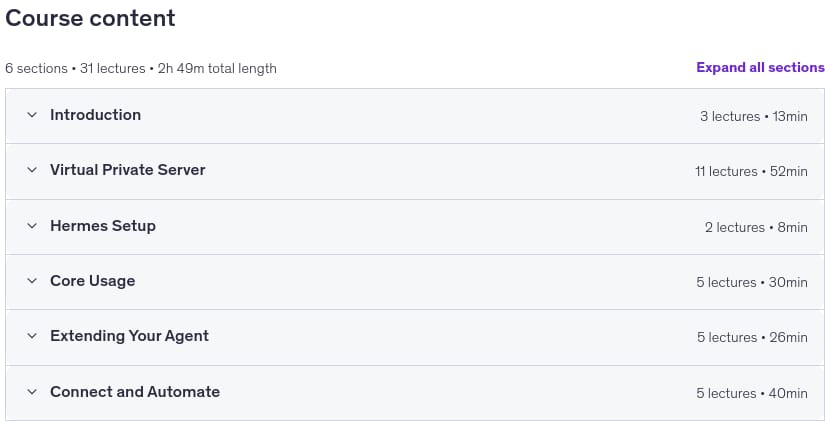
Content of Build a 24/7 Self-Hosted Personal AI Agent on a VPS (Hermes)
Requirements
- A computer running macOS, Linux, or Windows (with WSL2) anything from the last 5 years is fine
- Basic command-line comfort: you can cd into a folder, run a command, and edit a config file. You don’t need to be a sysadmin we teach the Linux server side from scratch
- A DigitalOcean account (or any VPS provider Hetzner, Vultr, Linode all work).
- A credit or debit card to fund the VPS and an LLM API key
- An LLM API key from at least one of: Anthropic, OpenAI, OpenRouter, or Nous Portal. OpenRouter is the easiest first choice ($5 minimum top-up gets you through the whole course)
Pictures
Sample Clip
Installation Guide
Extract the files and watch with your favorite player
Subtitle : Not Available
Quality: 1080p
Download Links
Password file(s): www.downloadly.ir
File size
1.98 GB