Description
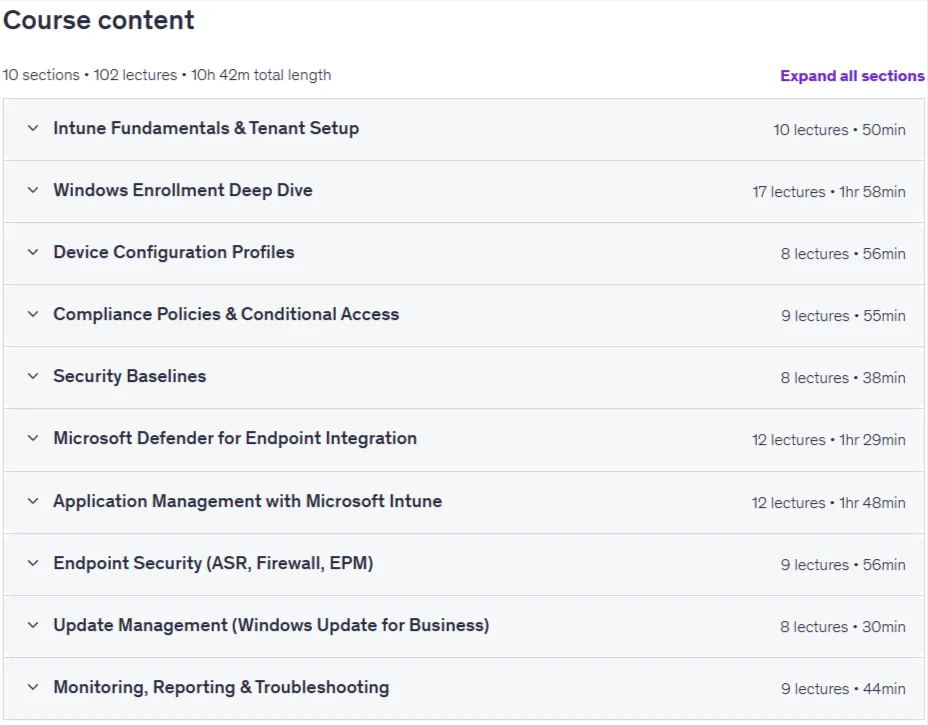
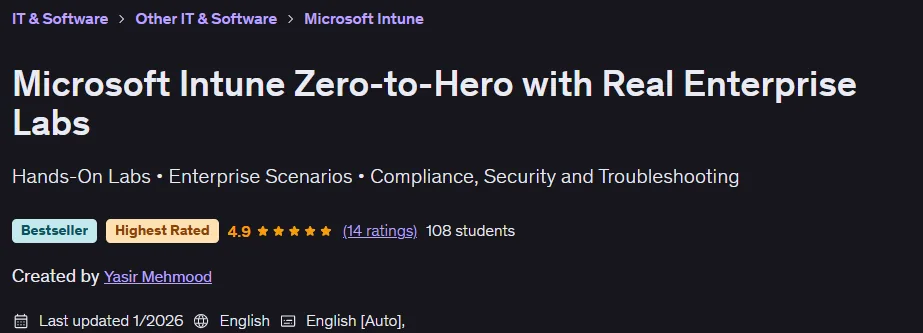
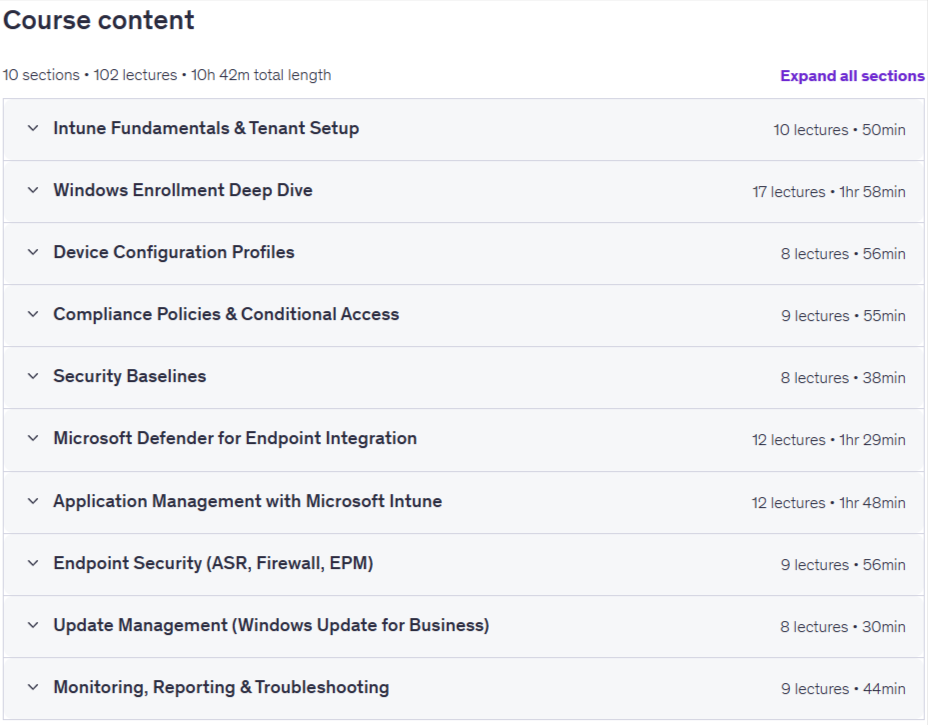
Microsoft Intune Zero-to-Hero with Real Enterprise Labs is a course on how to deploy, configure, and manage Microsoft Intune, published by Udemy Online Academy. This is a comprehensive, hands-on course that teaches you how to deploy, configure, and manage Microsoft Intune—Microsoft’s cloud-based endpoint management solution—from the ground up using real-world enterprise scenarios. You’ll learn how to enroll and secure devices (Windows, macOS, iOS, Android), create and enforce compliance policies, deploy apps, and manage updates to ensure compliance with enterprise standards. The course also covers configuration profiles, conditional access integration with Azure AD, device security baselines, reporting and monitoring, and how to troubleshoot common deployment issues.
This is a practical, hands-on course designed to help you really understand how Intune works in enterprise environments. Many professionals know where Intune settings are located, but struggle with policy behavior, compliance issues, application crashes, and troubleshooting. This course bridges this gap by focusing on real-world implementation, validation, and troubleshooting, not just portal navigation. By the end, you’ll be able to confidently deploy and run Intune in large-scale environments, with key topics including device enrollment, policy creation, application lifecycle management, conditional access, security best practices, and enterprise deployment strategies covered in a cohesive learning experience.
What you will learn in Microsoft Intune Zero-to-Hero with Real Enterprise Labs:
- Enroll and manage Windows 10 and Windows 11 devices using enterprise-ready Intune enrollment and management methods
- Configure and validate device compliance policies on Windows, iOS, and Android and understand their impact on Conditional Access
- Create, assign, and validate device compliance policies and understand how they impact Conditional Access decisions
- Deploy and troubleshoot apps using Microsoft Store apps, Win32 apps, and detection rules in Intune
- Apply security baselines and configuration profiles to harden endpoints and reduce attack surface
- Troubleshoot real-world Intune issues using device status, reports, policy synchronization, and endpoint validation techniques
- Understand Intune from a security and SOC perspective, including compliance signals, access control, and risk-based decisions
- And more…
Course specifications
Publisher: Udemy
Instructors: Yasir Mehmood
Language: English
Level: Introductory
Number of Lessons: 102
Duration: 10 hours and 42 minutes
Course topics
Microsoft Intune Zero-to-Hero with Real Enterprise Labs Prerequisites
A Microsoft 365 tenant with Microsoft Intune enabled (E5 Trial or E5 paid) for hands-on labs
Global Administrator or Intune Administrator access
A computer or laptop with internet access
Ability to run Windows 10 or Windows 11 (physical device or virtual machine)
Test mobile devices (iOS or Android) for enrollment and policy validation
No prior Intune experience required — the course starts from fundamentals
Pictures

Microsoft Intune Zero-to-Hero with Real Enterprise Labs introduction video
Installation guide
After Extract, watch with your favorite Player.
Subtitle: None
Quality: 1080p
Downloadly link
Rapidgator link
File password (s): www.downloadly.ir
Size
4.1 GB