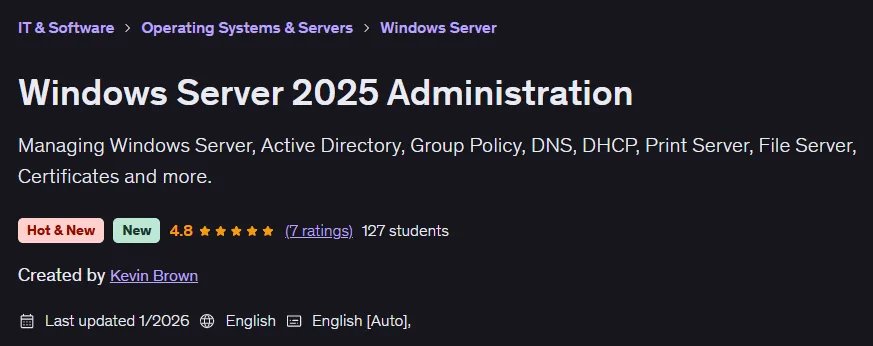
Description
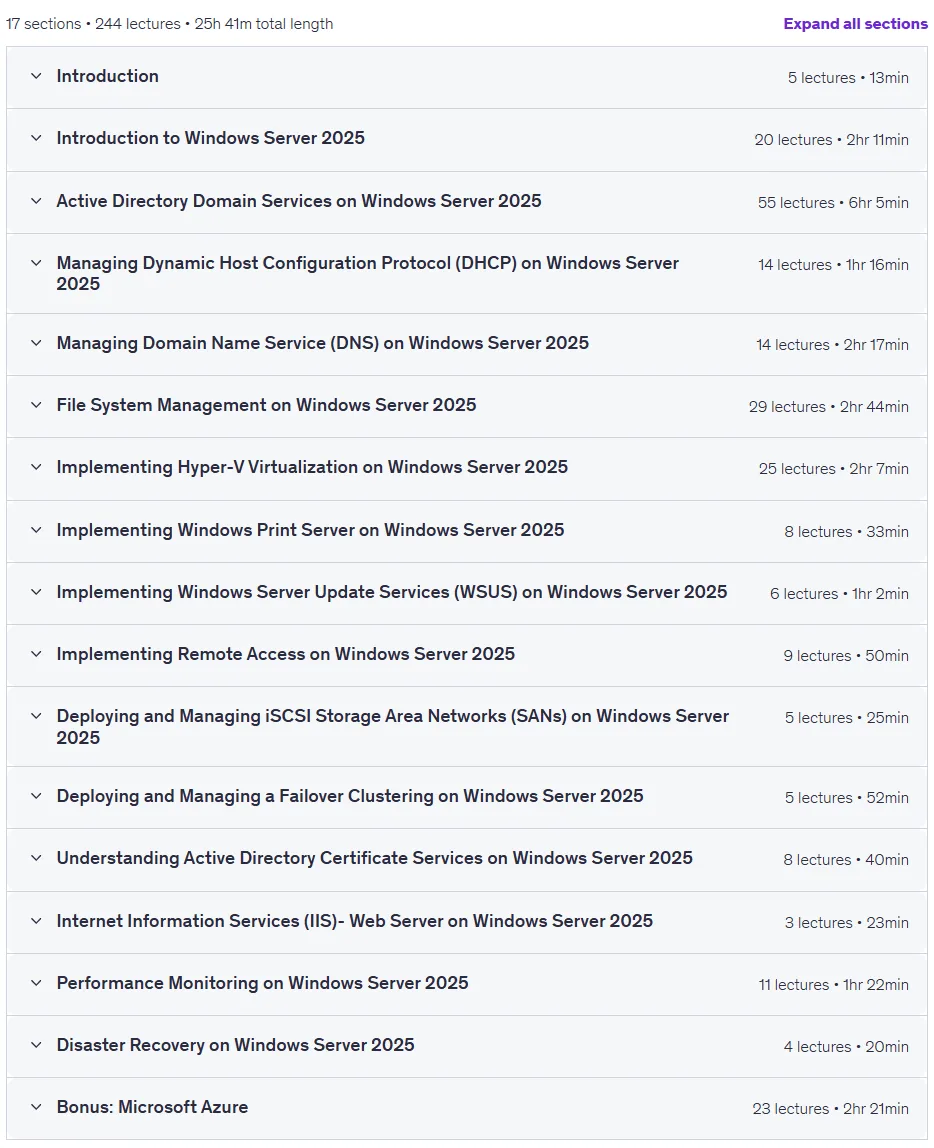
Windows Server 2025 Administration Course. This course teaches IT professionals how to install, configure, and fully administer the latest version of Microsoft’s server operating system. It covers everything from the basics to advanced concepts, with an emphasis on mastering identity and access management using Active Directory, including managing users and groups. The course covers data storage, NTFS permissions management, file sharing, and optimization techniques such as data deduplication. The course also covers virtualization with Hyper-V, configuring key network services such as DNS and DHCP, and setting up VPN remote access. To ensure high availability, you’ll learn how to set up Failover Clustering. A critical aspect of this course is integrating on-premises environments with cloud services, including synchronizing Active Directory with Microsoft Entra ID and deploying servers in Azure. Finally, the course covers monitoring performance with tools like Performance Monitor and implementing disaster recovery solutions to ensure security and business continuity.
What you will learn
- Deployment and installation of Windows Server 2025 operating system.
- Implement and manage Active Directory Domain Services.
- Configure and manage DHCP and DNS services on the network.
- Storage management and iSCSI-based Storage Area Network (SAN) implementation.
- Setup and manage Hyper-V virtualization platform and virtual machines.
- Implementation and management of print servers.
- Setting up clustering for high availability (Failover Clustering).
- Implementing remote access and VPN solutions.
- Monitor system performance using native tools and troubleshoot errors.
- Implement data recovery strategies with Windows Server Backup.
- Deploy Windows Server on Azure virtual machines.
- Create storage accounts and share files in the cloud.
- Synchronize local services with Microsoft Entra ID Connect.
This course is suitable for people who:
- Career Changers: People who are looking to enter the world of IT and want to start from a standard point.
- New IT professionals: Those looking to learn core and management tasks in large organizations.
- System and Network Administrators: Professionals who need to update their skills to manage Windows-based networks.
- Data professionals: Database analysts and administrators who use features like Hyper-V and Storage Spaces Direct.
- Business users and administrators: Business owners who want to support applications like file sharing and team collaboration tools.
- Security managers: People responsible for maintaining infrastructure security and managing updates.
Windows Server 2025 Administration Course Specifications
- Publisher: Udemy
- Instructor: Kevin Brown
- Training level: Beginner to advanced
- Training duration: 25 hours and 41 minutes
- Number of courses: 244
Course headings

Windows Server 2025 Administration Course Prerequisites
- No professional IT experience is needed. You will learn everything you need to know in this course
- Students will need a basic understanding of Windows operating systems
- Students will need a basic understanding of IP addressing.
Course images

Sample course video
Installation Guide
After Extract, view with your favorite player.
Subtitles: None
Quality: 1080p
Download link
Downloadly
Rapidgator link
File(s) password: www.downloadly.ir
File size
11.6 GB