Description
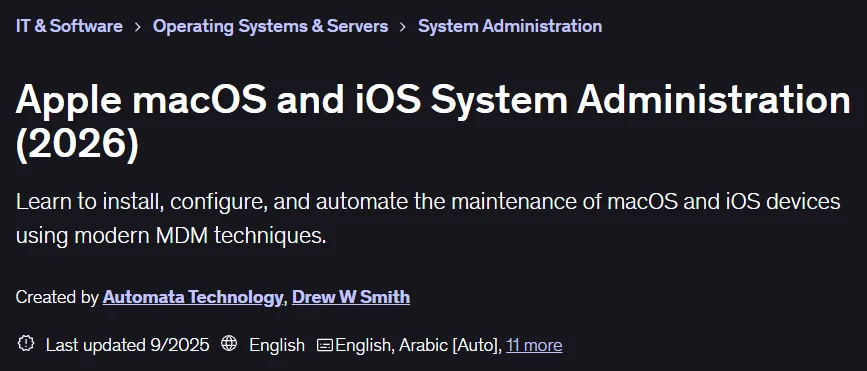
Apple macOS and iOS System Administration Course (2026). This course comprehensively teaches the professional management, configuration, and support of Apple devices, including macOS and iOS, using official Apple tools and the Mosyle MDM platform. This course covers the new features of iOS 26, iPadOS 26, and macOS 26 Tahoe, and its main audience is familiar Apple users who intend to manage a fleet of devices in an organization. The training starts at a basic level and does not require any specific background. The course content starts with local administration with tools such as Apple Remote Desktop and Apple Configurator, and then moves on to creating a centralized cloud management environment with the Mosyle platform. Key topics include remote activation, managing enterprise user accounts, enforcing security policies, managing applications, automating software installation, configuring devices through profiles, and integrating with identity services such as Microsoft Entra ID for single sign-on. With a practical, project-based approach, this course presents seven real-world scenarios, including zero-touch deployments for remote workers, so administrators can effectively support small-scale deployments up to thousands of devices.
What you will learn
- Learn the fundamentals of managing Apple platforms, including hardware troubleshooting and operating system installation procedures.
- Mastery of advanced client management techniques in enterprise environments.
- Use Apple Business Manager and Apple Configurator to configure and deploy devices in bulk.
- Using VPP programs and Apple’s proprietary enrollment systems for centralized management.
- Develop effective strategies for managing thousands of iOS and macOS devices simultaneously.
- Using the powerful Mosyle MDM solution to control user experience and improve system security.
- Implement practical projects including employee bring-your-own-device (BYOD) management and automated MacBook provisioning for new hires.
This course is suitable for people who:
- Information technology (IT) professionals who are responsible for managing and supporting Mac or iOS devices in organizations.
- Windows system administrators who want to expand their knowledge to support Apple products in hybrid environments.
- Advanced home users who have multiple Apple devices in the household and are looking for professional ways to manage and protect them.
- Support technicians who want to improve their skills in automated deployment and remote management (Cloud-based management).
Apple macOS and iOS System Administration Course Details (2026)
- Publisher: Udemy
- Instructor: Automata Technology , Drew W Smith
- Training level: from beginner to advanced
- Training duration: 17 hours and 41 minutes
- Number of lessons: 171
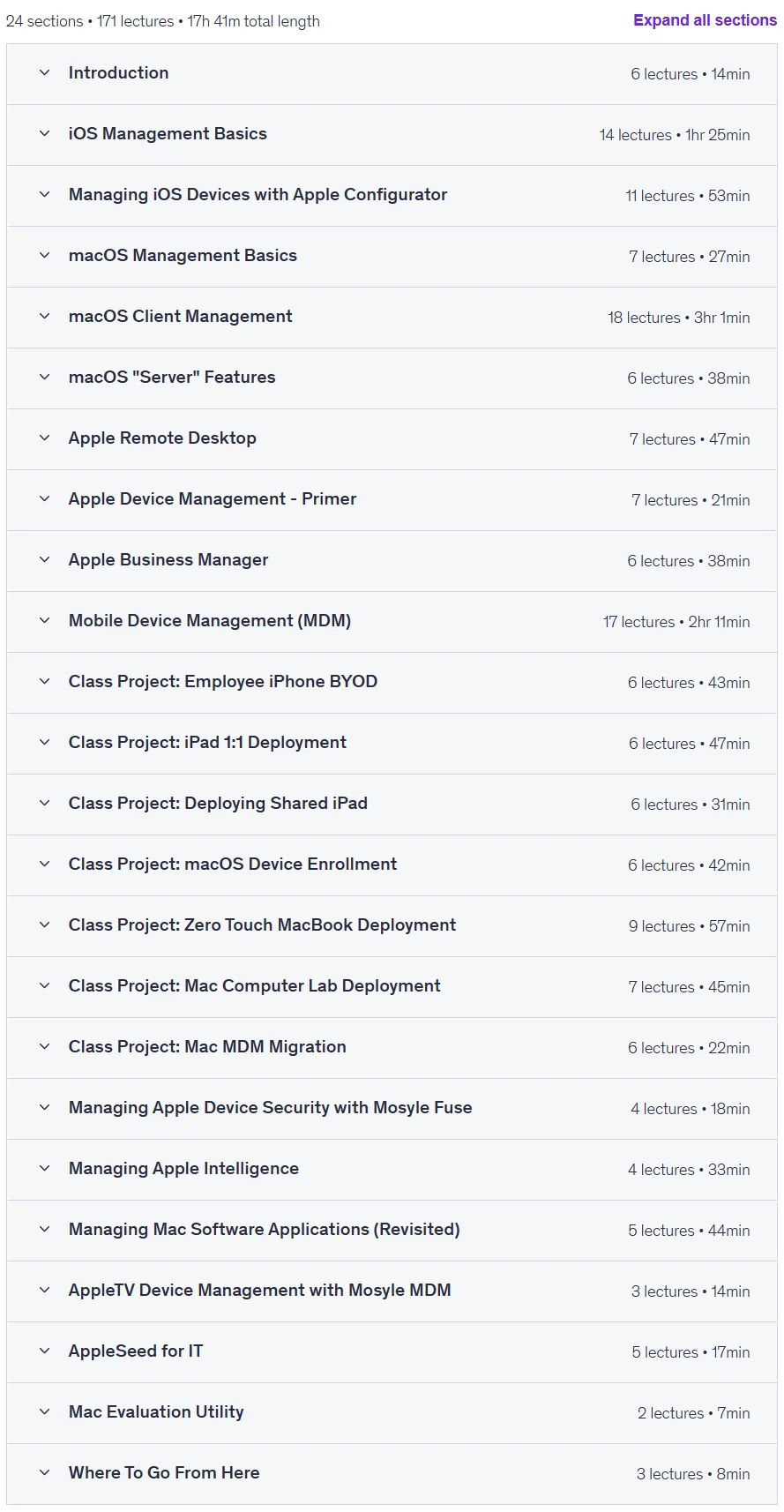
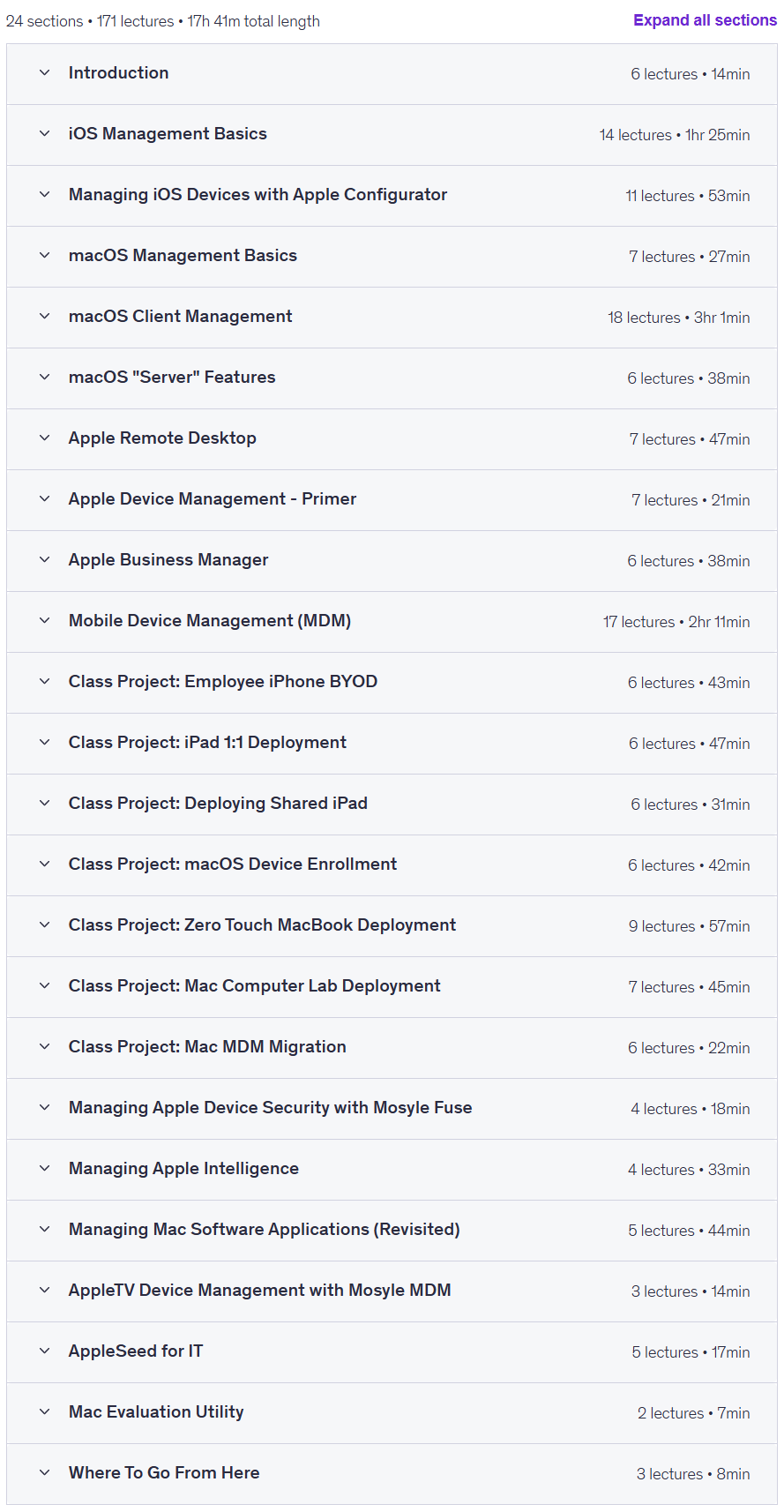
Course topics
Apple macOS and iOS System Administration Course Prerequisites (2026)
- Intermediate level of experience with iOS and macOS operating systems.
- Internet Access
- Access to an Apple Macintosh computer that can run macOS Tahoe (26) or higher.
- Access to an Apple iOS Device such as an iPad or iPhone that can run iOS/iPadOS 26 or higher.
Course images

Sample course video
Installation Guide
After Extract, view with your favorite player.
Subtitles: English
Quality: 1080p
Download link
Downloadly
Rapidgator link
File(s) password: www.downloadly.ir
File size
8.4 GB