Descriptions
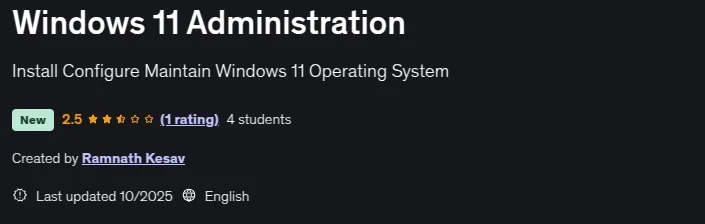
Windows 11 Administration, Windows 11 is a client operating system and includes features that organizations should know about. Windows 11 is built on the same foundation as Windows 10. If you use Windows 10, then Windows 11 is a natural transition. It’s an update to what you know, and what you’re familiar with. Windows 11 offers innovations focused on enhancing end-user productivity, and is designed to support today’s hybrid work environment.
Your investments in updates and device management are carried forward. For example, many of the same apps and tools can be used in Windows 11. Many of the same security settings and policies can be applied to Windows 11 devices, including PCs. You can use Windows Autopilot with a zero touch deployment to enroll your Windows devices in Microsoft Intune. You can also use newer features, such as Azure Virtual Desktop and Windows 365 on your Windows 11 devices. Install and configure Windows 11 desktops and devices in a Windows Server domain corporate environment. The skills you will gain in this course include learning how to install and customize Windows 11 operating systems and apps, and configure local and remote network connectivity and storage. You will also learn how to configure data security, device security, network security, and maintain, update, and recover Windows 11. This course is aimed at IT professionals who support Windows 11 desktops, devices, users, and associated network and security resources. The secondary audience for this course is Desktop/Device Support Technicians (DSTs) who provide Tier 2 support to users with computers that are running the Windows 11 operating system (OS) in a on-premises environment.
What you’ll learn
- Install and configure Windows 11 desktops and devices in a Windows Server domain corporate environment.
- The skills you will gain in this course include learning how to install and customize Windows 11 operating systems and apps, and configure local and remote netw
- You will also learn how to configure data security, device security, network security, and maintain, update, and recover Windows 11.
- This course is aimed at IT professionals who support Windows 11 desktops, devices, users, and associated network and security resources.
Who this course is for
- Desktop/Device Support Technicians (DSTs) who provide Tier 2 support to users with computers that are running the Windows 11 operating system (OS) in a on-premises environment.
Specificatoin of Windows 11 Administration
- Publisher : Udemy
- Teacher : Ramnath Kesav
- Language : English
- Level : Intermediate
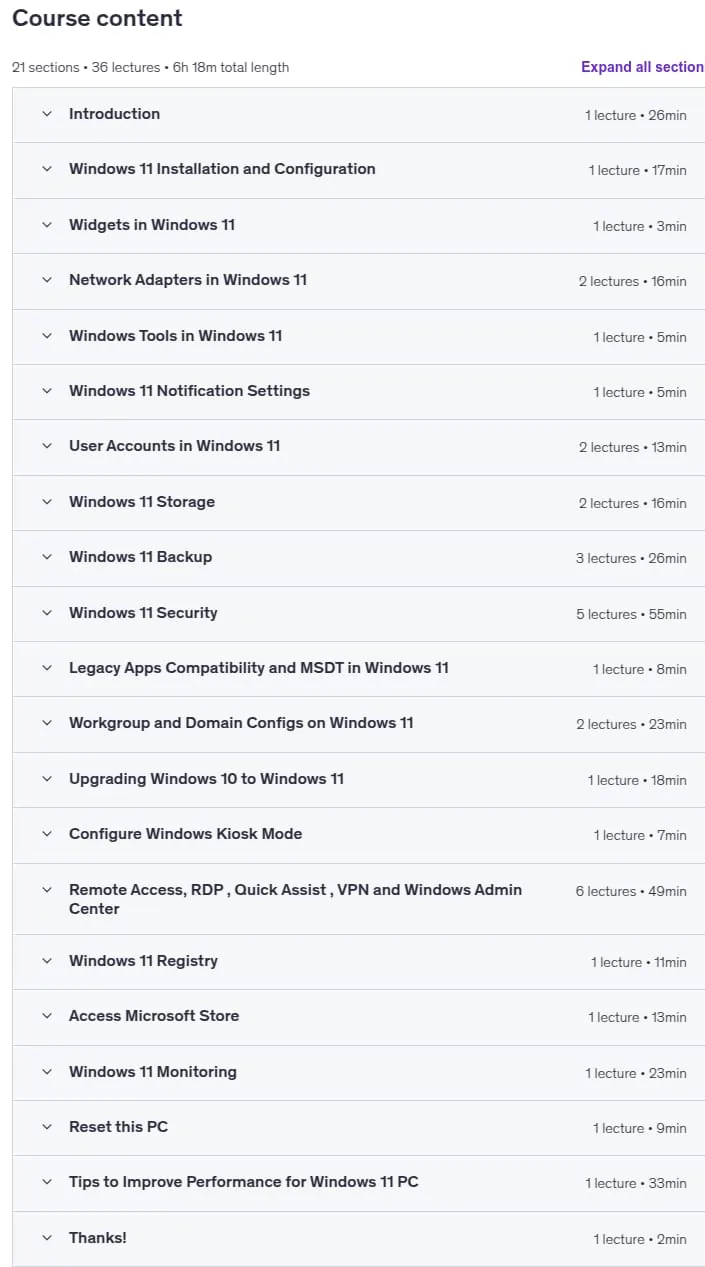
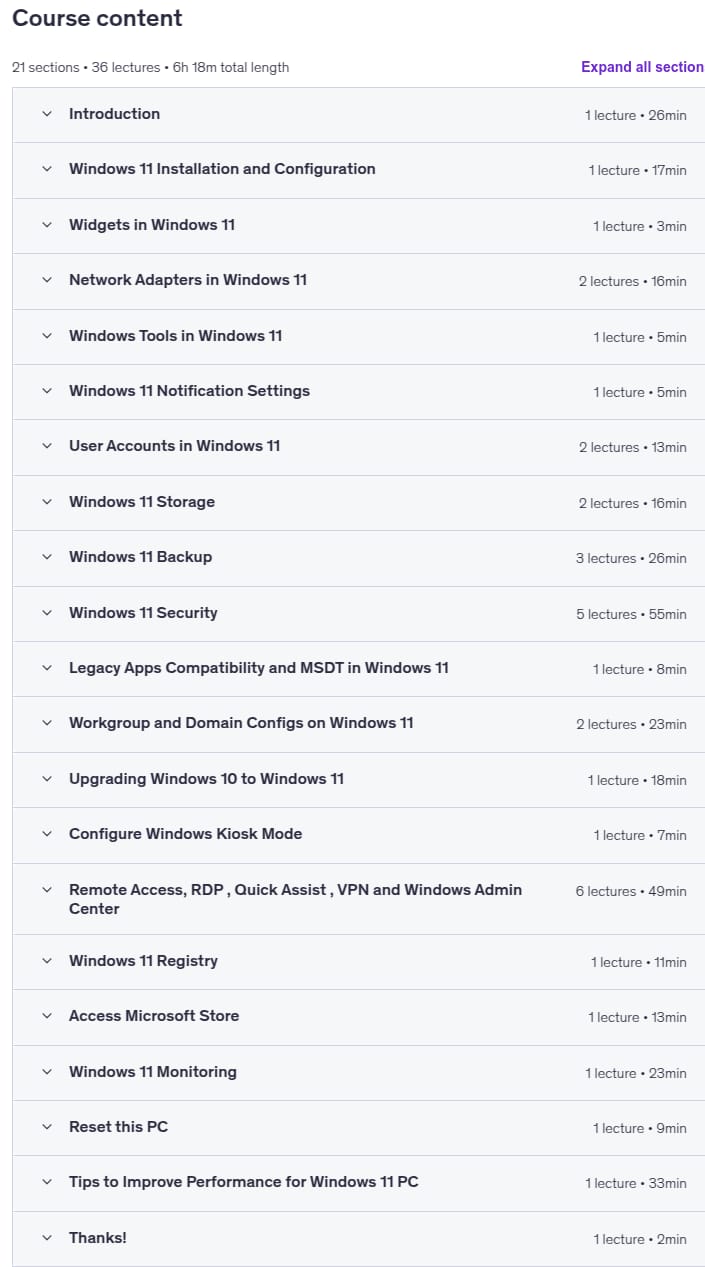
- Duration : 6 hours and 18 minutes
Content of Windows 11 Administration
Requirements
- Computer and Networking Knowledge is required.
Pictures
Sample Clip
Installation Guide
Extract the files and watch with your favorite player
Subtitle : Not Available
Quality: 1080p
Download Links
Downloadly
Rapidgator
Password file(s): www.downloadly.ir
File size
3.81 GB