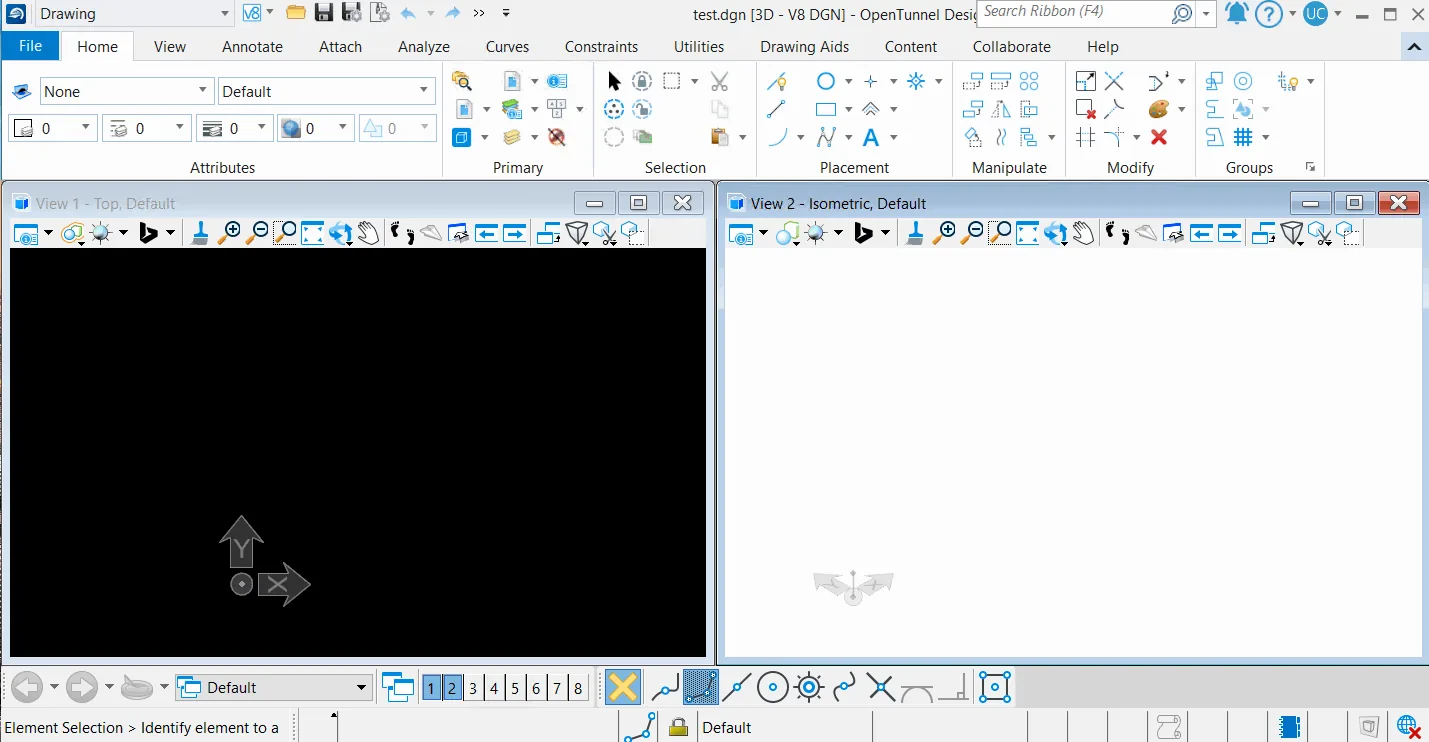
Description
OpenTunnel Designer is a specialized and unique software for tunnel modeling and design. By using appropriate and efficient tools, it reduces unnecessary redesigns and time delays and allows all team members to work in a functional and integrated environment. This software can increase productivity by up to 50%. OpenTunnel Designer is a specialized and functional tunnel modeling software that is fully compatible with analysis and design software. This software allows users to carry out the tunnel design and construction process effectively and efficiently. Using powerful tools and an easy-to-use interface, users can create accurate and comprehensive models of tunnels, perform geotechnical analyses, and prepare the required maps and reports. This software helps reduce the time and costs of tunneling projects by improving collaboration between team members and increasing productivity.
Program features and functions:
- Automatic tunnel modeling:
- Easily create tunnel-specific objects and information in a functional environment that is usable by all team members.
- Eliminates the need for coding, scripting, and alternative methods.
- Multidisciplinary collaboration:
- Easy sharing and use of a variety of file formats among project stakeholders.
- Avoid costly errors, redesigns, and delays with always-up-to-date data.
- Integrated workflow with PLAXIS:
- Easily import existing OpenTunnel models into PLAXIS and create an analytical model with just one click.
- Spend more time analyzing and optimizing projects instead of rebuilding models.
- Integrate all data:
- Make better decisions from the start of the project with the ability to combine, organize, and manage geotechnical data and existing conditions faster without compromising accuracy.
- Easy to use soil layers and linear infrastructure data.
- Reference road and rail routes and bridge structures in the OpenTunnel Designer model and quickly import soil meshes with IFC versions 4.0 and 4.3.
Images

System requirements
- Processor. Intel Pentium-based or AMD Athlon-based processor 2.0 GHz or greater.
- Operating System. Microsoft Windows 10 (64-bit), Windows 11 (64-bit)
- Memory. 8 GB minimum, 32 GB recommended.
- Disk Space. 10 GB minimum free disk space.
- Video. 1 GB of RAM or greater.
Installation Guide and Tips
- Install the software by running the Setup_CONNECTIONClientx64_24.01.01.12.exe file.
- Completely remove the currently installed version of Connection Client.
- From the patch folder, run the Setup_CONNECTIONClientx64_23.00.00.10.exe file as Run as administrator and install it.
- Close the CONNECTION Client software completely.
- Run the Patch_CNN_CLI_(CL)_x64_23.00.00.10_REV0-patch.exe file as Run as administrator and log in with the information provided, click on the Patch button and wait for the process to complete.
- Information for running the Patch_CNN_CLI_(CL)_x64_23.00.00.10_REV0-patch.exe file:
- name: lavteam.org
- password: 95F01D00-5A3E1708-953B3024-117D8F6F
Bentley OpenTunnel Designer version 2024 was installed and successfully activated on Windows 10 64-bit edition on November 28, 2025.
Download link
Download Bentley OpenTunnel Designer 2024:
File(s) password: www.downloadly.ir
Volume
3.15 GB