Descriptions
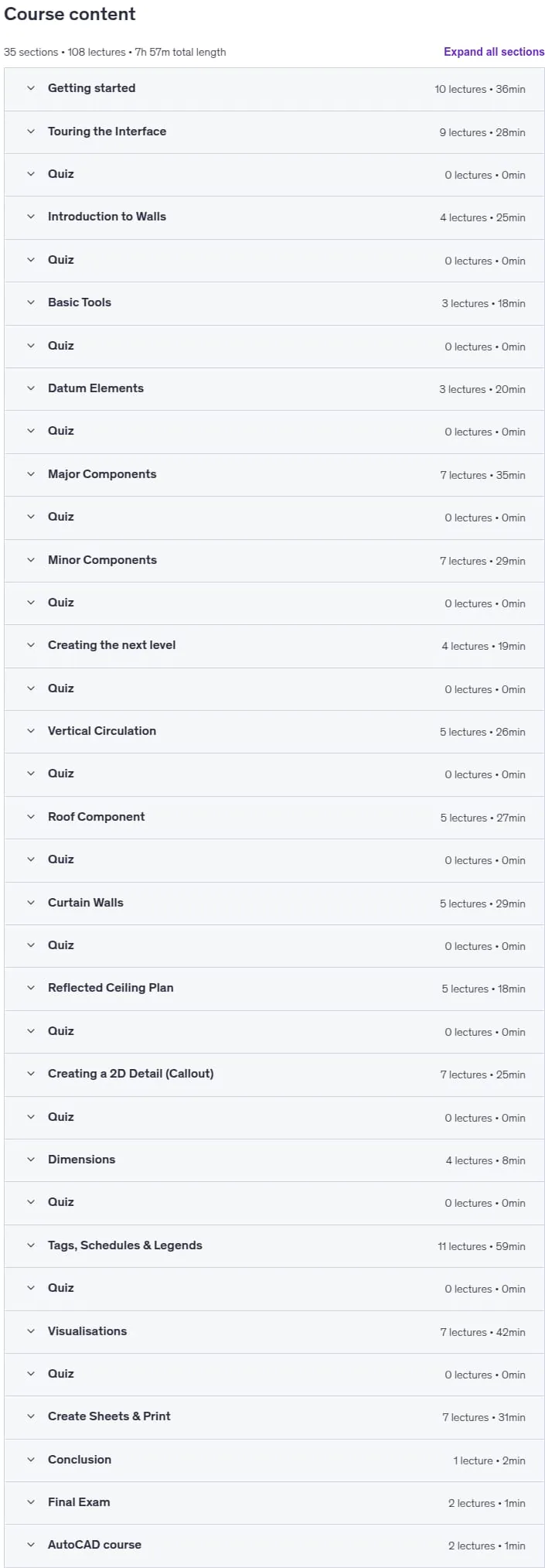
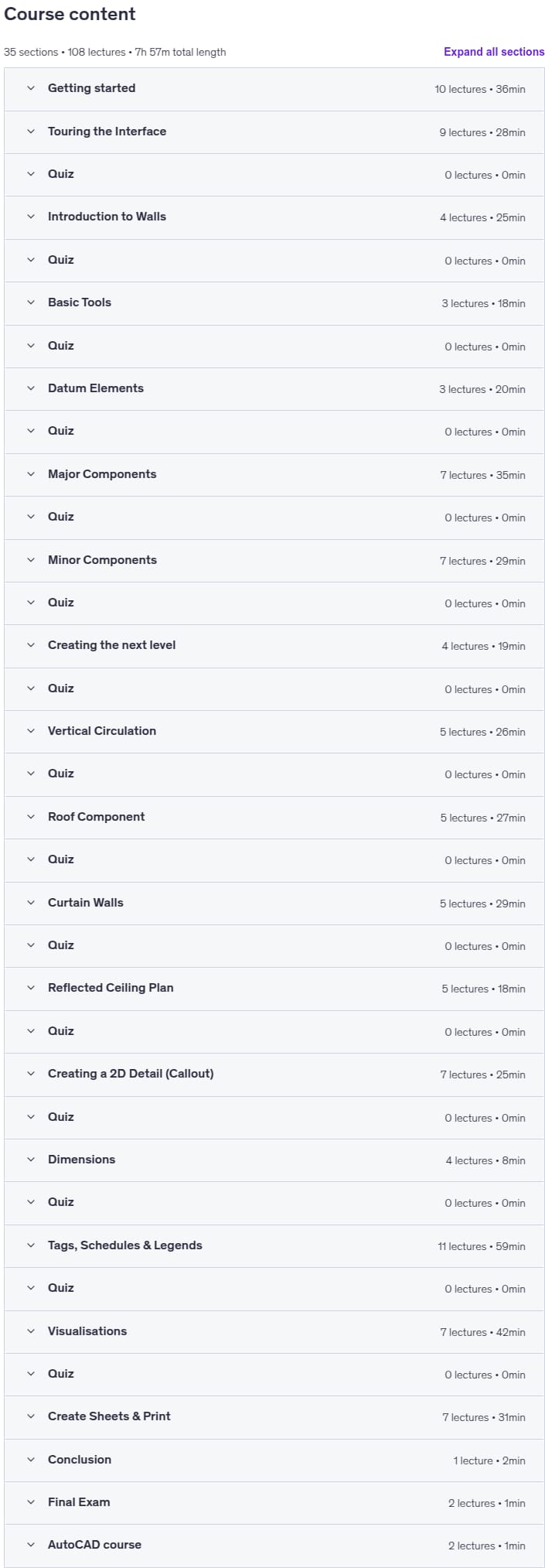
Autodesk Revit – Beginner to Intermediate level, Autodesk Revit – For the Beginner user, bringing them right up to an intermediate level! Course Content: First, I will guide you through the installation process, ensuring you have installed the correct library and region template. I will be using the UK Metric library and templates but don’t worry if you want to use another. All the processes will be the same and if I use a component from the UK library that isn’t available in your library, I will always suggest one for you. As with BIM, you work solely on one single project, so I have constructed this course in the same way. If you do not have previous experience with Revit or any CAD-based software, don’t worry. I will start off from the beginning building you up to be more than capable of creating your own Revit models. The course will start off by giving a brief introduction to the fundamentals of a building, what BIM is, and then moving onto the basics of Revit; from the terminology that Revit uses to the tools and interface. We will then begin to build on our project, introducing a new tool and feature as we progress. Adding in the datum elements, such as the levels and grids. Structural components, such as the Structural and Architectural columns. Major and Minor Components like the walls, windows, doors, floors, stairs, ceilings, curtain walls, and roofs. We will then take it to the next level and learn how to create 2D details, how to tag the components, create schedules and legends, creating render images and video walkthroughs. Finally, we will set up our sheets and send it to print. Alongside the videos, I have supplied you with course notes to follow along with as well as some files to work with. As a recap, I have added a quiz to every section. This won’t affect your final certificate but will refresh what you have just learned. Once you complete the course, why not test out your new skills by taking the final exam, consisting of 40 questions! Finally, I continually update this course to keep it up to date with the new releases as well as add new videos. I look forward to seeing you in class!
What you’ll learn
- When you complete this course you will have the skills and knowledge to take a project from start to finish using the tools and library provided by Autodesk.
- First I will take you through the download and install process to ensure the software has been correctly installed.
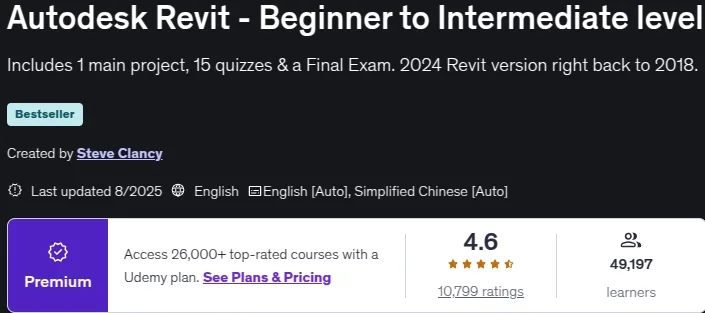
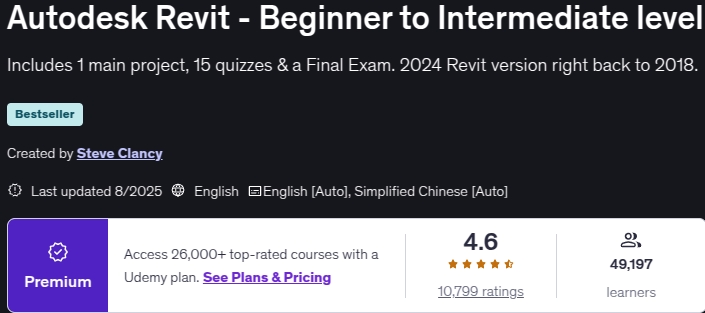
- Now with 15 added quizzes, at the end of every section.
- After completing the course, I have created a 40 question exam, testing you on both skill and knowledge
- Now with Imperial notes to follow along!
- This course is available to download for offline use.
Who this course is for
- Architects, Engineers, Designers and Contractors
- This course has been designed for beginners to intermediate level
- Past users looking to refresh their skills
- Want to improve your drawing skills, BIM knowledge, find out tips & tricks from an industry professional
- We go into great detail in the listed features
- Great preparation for the Autodesk Certified User exam (ACU)
Specificatoin of Autodesk Revit – Beginner to Intermediate level
- Publisher : Udemy
- Teacher : Steve Clancy
- Language : English
- Level : Beginner
- Number of Course : 108
- Duration : 7 hours and 57 minutes
Content of Autodesk Revit – Beginner to Intermediate level
Requirements
- Students should have a good working knowledge of how to use a PC
- Previous experience on a CAD program is not essential but will benefit the student
- Minimum Revit version installed 2018, latest version advised, 30-day trial available from Autodesk
- Revit is not supported on MAC, you will have to Bootcamp your MAC and install Windows to run Revit
- Course notes and files will be provided
- A second screen is recommended to view the videos while using Revit on the other
- The first section will guide you through the download and install process
Pictures
Sample Clip
Installation Guide
Extract the files and watch with your favorite player
Subtitle : English
Quality: 720
Download Links
Downloadly
Rapidgator
Password file(s): www.downloadly.ir
File size
3.42 GB