Description
Windows Security – Secrets Location Course. This course takes a close look at the locations where authentication secrets are stored in the Windows operating system. The course content includes identifying the various locations that Windows uses to store certificates, including the registry, RAM, and system files such as SAM and NTDS.dit. It also covers the various attack techniques that attackers use to extract these certificates, such as Pass the Hash attack, Kerberoasting attack, and LSASS memory extraction. In addition to these threats, the course focuses on providing security best practices to effectively protect these stores from theft. These include implementing strict access controls, implementing strong password policies, enabling continuous auditing and monitoring, regularly updating the system, and reducing the attack surface by disabling unnecessary services. Designed based on real-world security scenarios and assessments, this training is highly practical and essential for Windows system administrators, security engineers, and IT professionals responsible for securing Windows infrastructures. By the end of the course, participants will have a thorough understanding of the complete certificate lifecycle, from storage to threats to defenses, and will be able to implement the necessary preventive measures to mitigate the risk of credential theft in their operational environment.
What you will learn
- Understanding where Windows secrets are stored:
- Learn how Windows stores authentication secrets in SAM, LSASS, LSA Secrets, and Credential Manager.
- Discovering certificate theft techniques:
- Investigating how attackers extract passwords and hashes using credential dumping methods.
- Protection against certificate theft:
- Implement best security practices to prevent unauthorized access to stored secrets.
- Implement Credential Guard, LAPS, and advanced GPO settings to prevent certificate theft and secure Windows authentication.
- Securing Windows authentication mechanisms:
- Learn how Credential Guard, LAPS, and GPO hardening reduce certificate leaks.
- Gain expert-level insights into securing authentication mechanisms, restricting access, and hardening Windows infrastructure.
- An in-depth look at real-world security misconfigurations:
- Discover common real-world security vulnerabilities and learn how to fix them before attackers exploit them.
This course is suitable for people who:
- Windows administrators who want to strengthen authentication security.
- Cybersecurity engineers looking to protect certificates against modern attack techniques.
- IT professionals responsible for securing Windows infrastructure.
- Anyone interested in learning how attackers steal certificates and how to prevent it.
Course details
- Publisher: Udemy
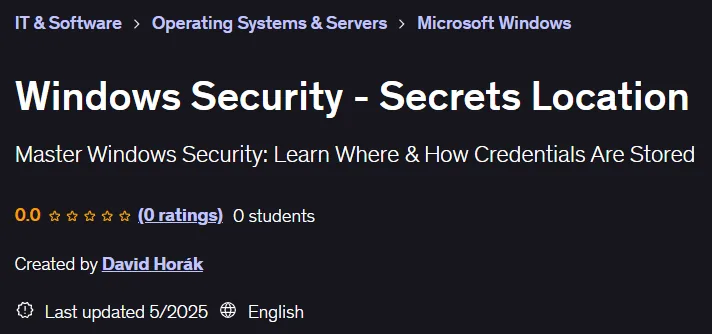
- Instructor: David Horák
- Training level: Beginner to advanced
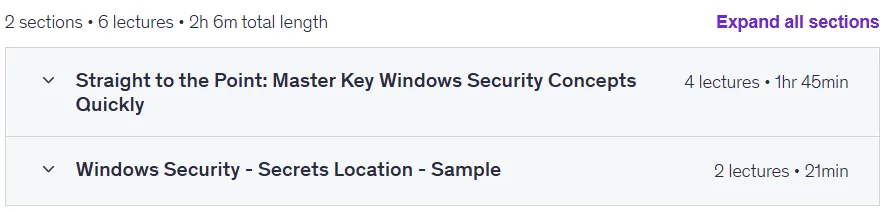
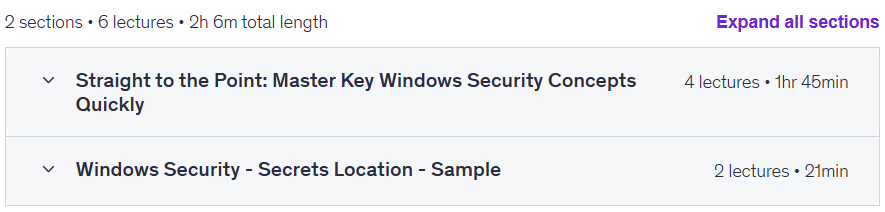
- Training duration: 2 hours and 6 minutes
- Number of lessons: 6
Course headings
Prerequisites for the Windows Security – Secrets Location course
- Basic knowledge of Windows OS and Active Directory is beneficial but not required
- No prior security experience is necessary—this course explains both fundamental and advanced concepts
Course images

Sample course video
Installation Guide
After Extract, view with your favorite player.
Subtitles: None
Quality: 720p
Download link
Downloadly
Rapidgator link
File(s) password: www.downloadly.ir
File size
1.4 GB