Description
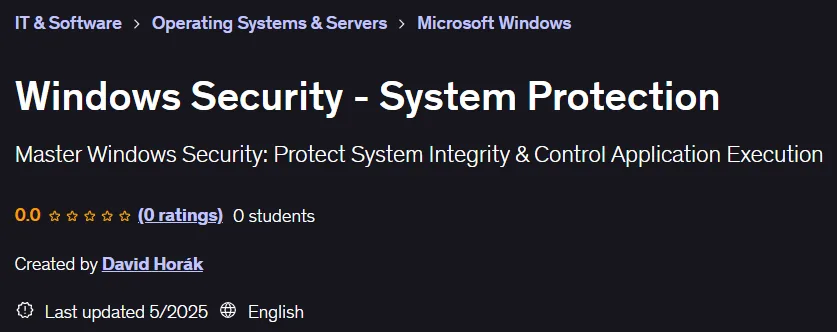
Windows Security – System Protection Course. This course provides a comprehensive overview of Windows security mechanisms, starting with protecting the startup process and controlling application execution. Key topics include Secure Boot to ensure that only trusted software loads at system startup, Trusted Boot to protect the integrity of critical operating system components, and Early Launch Anti-Malware to preload anti-malware drivers before other drivers. The course also covers application whitelisting tools such as AppLocker and Windows Defender Application Control, which allow system administrators to specify exactly which applications are allowed to run. By the end of this course, participants will have a clear understanding of how these advanced security features work and will be able to effectively configure them to harden the Windows environment against threats such as malware, rogue applications, and vulnerability exploits. This training is designed for Windows system administrators, cybersecurity engineers, and IT professionals who are looking to gain practical knowledge in securing their infrastructure.
What you will learn
- Boot process security:
- Understand UEFI Secure Boot, Trusted Boot, and ELAM, and how they prevent malware from executing before Windows starts.
- Understanding Windows boot security (Secure Boot, Trusted Boot, and ELAM).
- Malware and driver protection:
- Learn how Windows Defender, Early Launch Anti-Malware (ELAM), and EDR solutions help secure Windows systems.
- Discover how malware exploits unprotected Windows components.
- Application Allowlisting:
- Master Applocker and Windows Defender Application Control (WDAC) to prevent unauthorized applications from running.
- Learn how to implement app whitelisting with Applocker and WDAC.
- Configure Windows security features to prevent unauthorized execution.
- Security hardening in Windows environments:
- Learn best practices for locking down Windows systems to reduce the attack surface, from boot to program execution.
This course is suitable for people who:
- Windows Administrators, Security Engineers, and IT professionals who secure Windows systems.
- People looking to understand and implement Windows Security Hardening.
- Cybersecurity professionals who focus on malware prevention and secure system configuration.
Course details
- Publisher: Udemy
- Instructor: David Horák
- Training level: Beginner to advanced
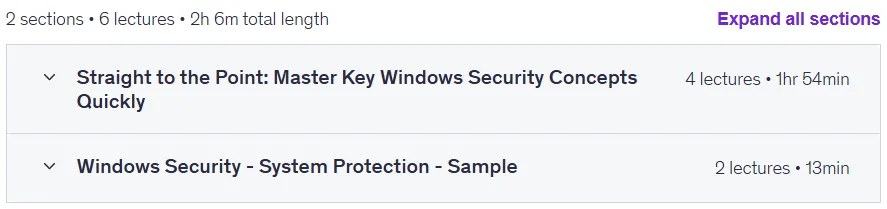
- Training duration: 2 hours and 6 minutes
- Number of lessons: 6
Course topics

Prerequisites for the Windows Security – System Protection course
- Basic knowledge of Windows OS and Active Directory is recommended
- No prior experience with Application Allowlisting is required
Course images

Sample course video
Installation Guide
After Extract, view with your favorite player.
Subtitles: None
Quality: 720p
Download link
Downloadly
Rapidgator link
File(s) password: www.downloadly.ir
File size
1.4 GB