Description
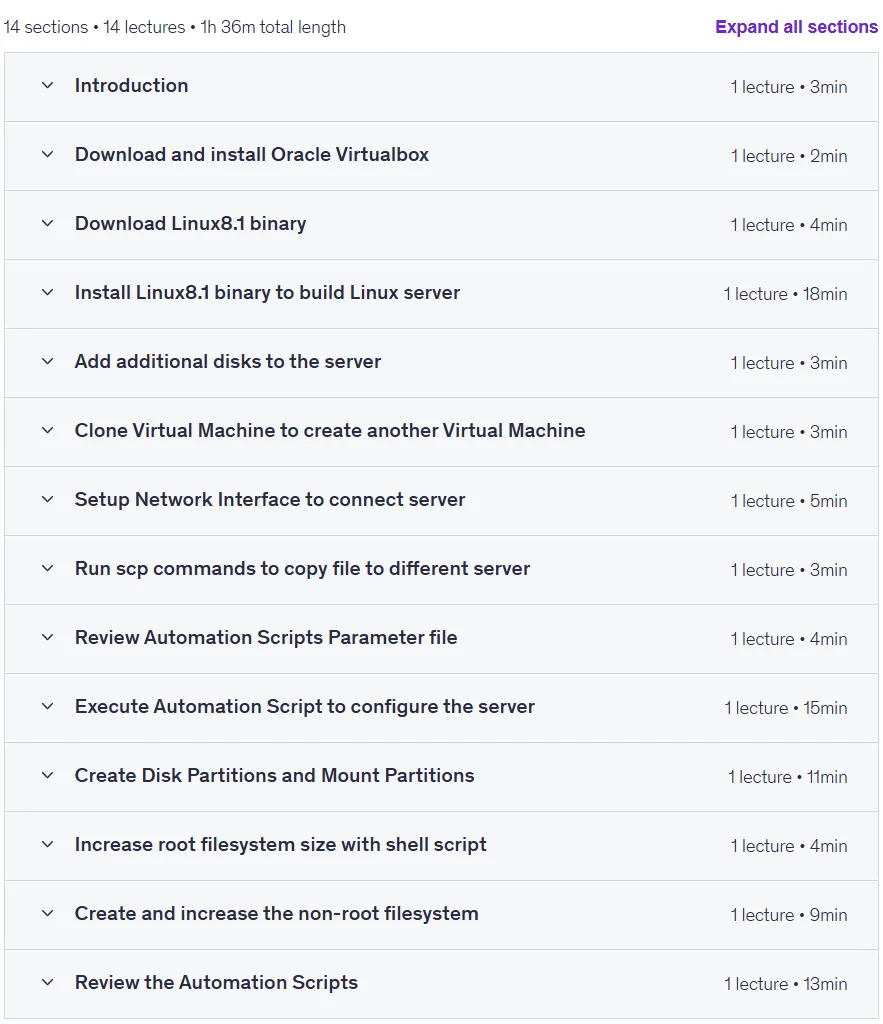
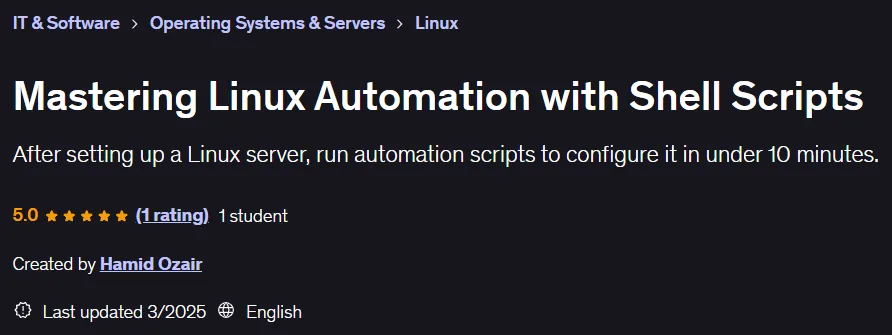
Mastering Linux Automation with Shell Scripts. This course teaches participants how to configure and manage Linux servers using shell scripts and automation to save time and reduce errors. It is a powerful solution to get rid of repetitive and error-prone tasks in server setup and maintenance. Scripting simplifies critical processes such as creating user groups, managing users, granting sudo permissions, and configuring root profiles. Participants will learn how to set up a YUM repository and manage packages flawlessly. They will also gain the skills needed to manage storage, from creating partitions with fdisk and creating file systems with mkfs.ext4 to automatically mounting partitions via the fstab file. This course teaches you how to extend the root file system in seconds with shell scripts and create and manage non-root partitions for greater flexibility using the LVM tool. This course is ideal for anyone looking to build a productive Linux system without going through lengthy manual steps, equipping you with the essential skills for effective automation and superior server management.
What you will learn
- Configure Linux server using automation scripts.
- Ability to write efficient Shell Scripts to automate a variety of tasks on Linux systems.
- Understand best practices for maintaining and scaling automation scripts.
- Automate server provisioning and management tasks.
- Increase the size of the root file system.
- Create a non-root file system.
- Increase the size of the non-root file system.
- Create mount points.
- Save mount points in the fstab file.
- Download Oracle Virtualbox.
- Install Oracle Virtualbox.
- Download Linux8.1 binary.
- Install Linux8.1 to build a Linux server.
- Add additional disks to the server.
- Clone Virtual Machine.
- Setting up the network interface.
- Run the scp command to copy files to different servers.
This course is suitable for people who:
- For beginners, this course is a great solution for those looking to build a Linux system without going through too many steps.
Course details
- Publisher: Udemy
- Instructor: Hamid Ozair
- Training level: Beginner to advanced
- Training duration: 1 hour and 36 minutes
- Number of lessons: 14
Course headings

Prerequisites for the Mastering Linux Automation with Shell Scripts course
- Basic Linux knowledge
Course images

Sample course video
Installation Guide
After Extract, view with your favorite player.
Subtitles: None
Quality: 720p
Download link
Downloadly
Rapidgator link
File(s) password: www.downloadly.ir
File size
501 MB