Description
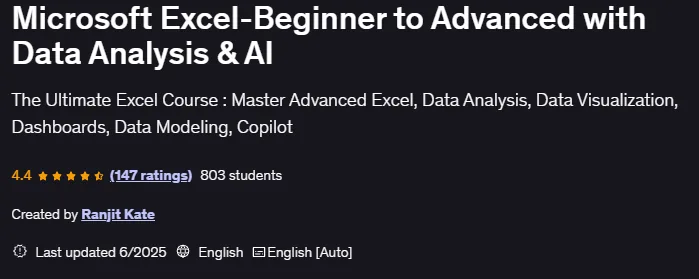
Microsoft Excel-Beginner to Advanced with Data Analysis & AI is a course that takes learners from the basics of Excel to advanced data analysis and AI-based tools, published by Udemy Online Academy. It is a comprehensive course that takes learners from the basics of Excel to advanced data analysis and AI-based tools. Designed for both beginners and experienced users, the course provides hands-on, hands-on training to master Excel formulas, functions, charts, and automation features, while also exploring how to use modern AI integrations to manage and gain smarter insights from your data.
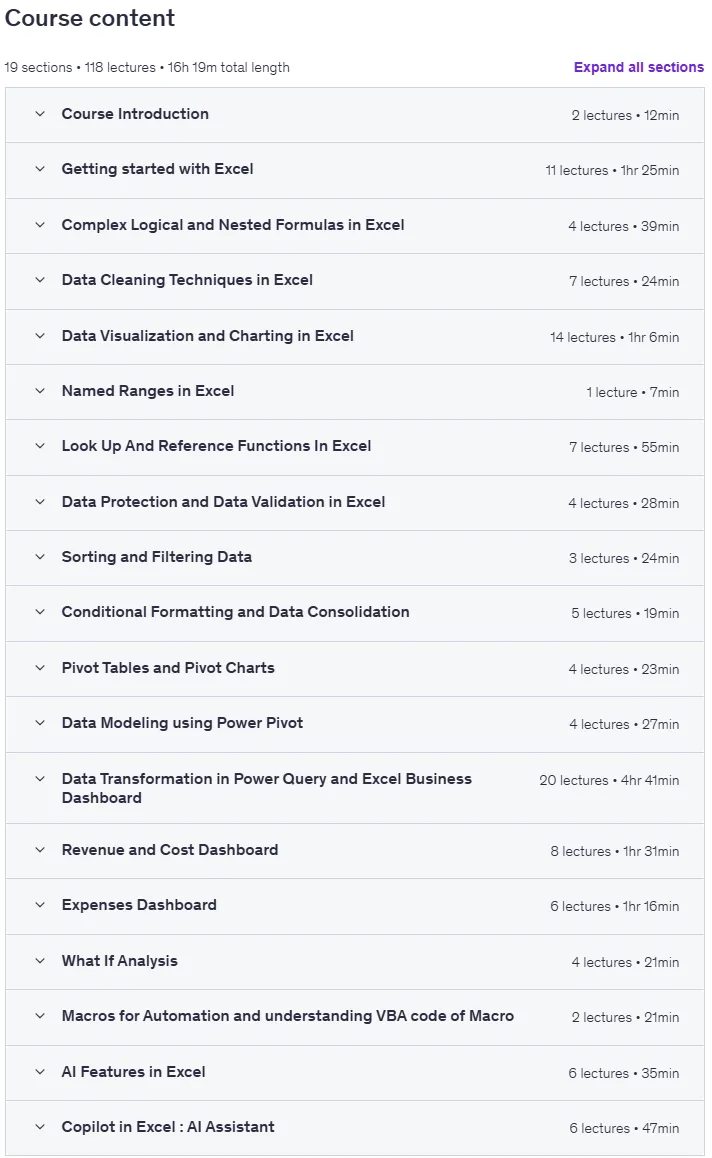
The course starts with Excel basics like data entry, formatting, and simple calculations, then moves on to advanced topics like pivot tables, lookup functions (VLOOKUP, XLOOKUP), conditional logic, and data validation. Individuals learn data analysis techniques including statistical functions, data visualization with charts, dashboards, and Power Query to clean and transform data. It also covers automation using macros and AI features like Copilot, dynamic arrays, and data pattern recognition for predictive insights. Real-world projects help individuals practice creating business reports, dashboards, and analytical models. By the end, individuals gain complete confidence in using Excel as a powerful tool for data-driven decision-making, enhanced with modern AI capabilities.
What you will learn in Microsoft Excel-Beginner to Advanced with Data Analysis & AI:
- Comprehensive Excel training
- Using Power Query and PowerPivot
- Learn to work with big data using powerful tools
- Harness the power of artificial intelligence in Excel
- And …
Course specifications
Publisher: Udemy
Instructors: Ranjit Kate
Language: English
Level: Introductory to Advanced
Number of Lessons: 108
Duration: 16 hours and 7 minutes
Course topics on 2025/6

Microsoft Excel-Beginner to Advanced with Data Analysis & AI Prerequisites
This course is designed for learners of all levels, from beginners to advanced users. However, to make the most of it, the following prerequisites are recommended.
Basic Computer Skills : Familiarity with using a computer, keyboard, and mouse and Ability to navigate files and folders in Windows or macOS.
No Prior Excel Experience Needed (But Helpful!) : Beginners can start from scratch, but basic knowledge of spreadsheets will be beneficial. If you have used Excel before, you’ll quickly advance to intermediate and expert levels.
Microsoft Excel Installed : A working version of Microsoft Excel (2016, 2019, 2021, or Microsoft 365) is required.
Willingness to Learn & Practice Excel skills improve with hands-on practice—regular application of concepts is essential for mastering the tool.
Pictures

Microsoft Excel-Beginner to Advanced with Data Analysis & AI introduction video
Installation guide
After Extract, watch with your favorite Player.
Subtitle: None
Quality: 1080p
Downloadly link
Rapidgator link
File password (s): www.downloadly.ir
Size
27.3 GB