Description
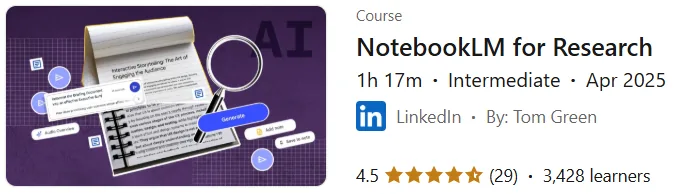
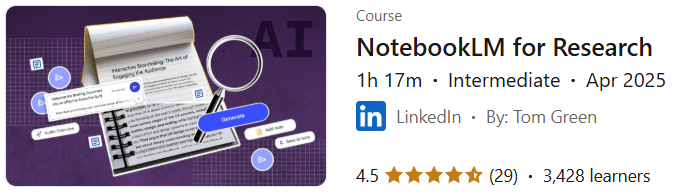
NotebookLM for Research Course. This course covers how to use Google’s NotebookLM tool to facilitate research on a variety of topics. Instructor Tom Greene first teaches the basics of the tool’s features and user interface, then walks you through the process of uploading documents and data, interacting with NotebookLM through conversation, and exploring data and generating ideas. He then explains different research styles and how the tool supports them. The final section introduces the features of the Plus version, specifically for Google Workspace users, and how they differ from the basic version. By providing hands-on training, this course enables participants to immediately use the tool in their research projects to improve data collection, organization, and analysis. Course topics include an introduction to NotebookLM, creating notebooks for various purposes such as FAQs and summaries, working with multiple sources, and getting to know the advanced capabilities of the Plus version.
What you will learn
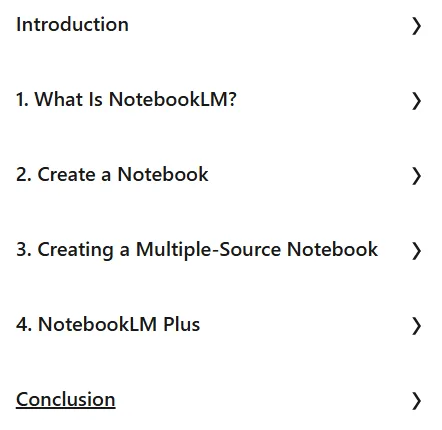
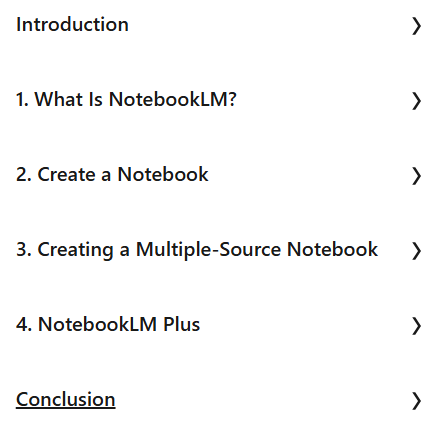
- Introduction to NotebookLM:
- Understanding what NotebookLM is and how to use it for research.
- Understanding the concept of a notebook in this tool.
- Learn the best ways to use this tool.
- Create a notebook:
- How to add long content to Notepad.
- How to use the FAQ notebook.
- Creating a study guide using a notebook.
- Create a timeline and briefing document for a notebook.
- How to interact via chat pod for audio and text overview.
- Create a multi-source notebook:
- Chapter overview and table of contents review.
- Review the synopsis, study guide, frequently asked questions, and timeline.
- How to interact with the notebook for deeper analysis and podcast review.
- NotebookLM Plus:
- Understanding what NotebookLM Plus is.
- How to use NotebookLM Plus.
This course is suitable for people who:
- Researchers looking for an efficient tool for collecting, organizing, and analyzing sources.
- Students and academics who need to manage large volumes of data and research documents.
- Professionals who regularly conduct research on various topics in their work.
- Google Workspace users who are interested in using NotebookLM Plus features.
- Anyone who wants to improve their ideation and research process using Google’s artificial intelligence tools.
NotebookLM for Research course specifications
- Publisher: LinkedIn
- Instructor: Tom Green
- Education level: Intermediate
- Training duration: 1 hour and 17 minutes
Course topics
Course images
Sample course video
Installation Guide
After Extract, view with your favorite player.
Subtitles: None
Quality: 720p
Download link
Downloadly
Rapidgator link
File(s) password: www.downloadly.ir
File size
221 MB