Description
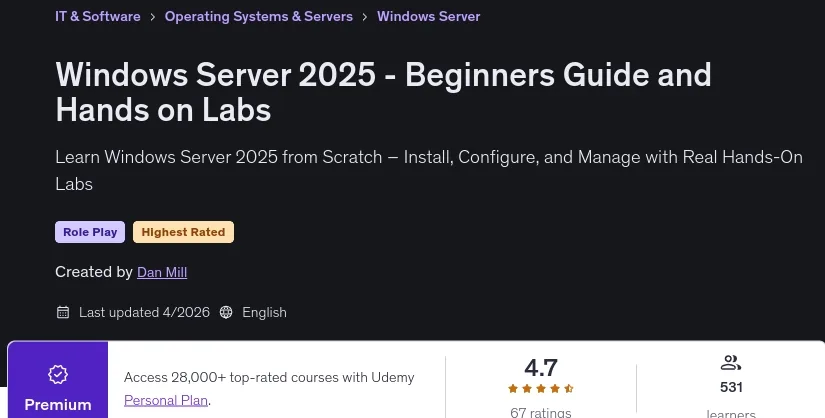
Windows Server 2025 – Beginners Guide and Hands on Labs. This course is the ultimate resource for novices and aspiring system administrators to learn the fundamental concepts and practical skills needed to work with Windows Server 2025 in real-world environments. The course covers everything from initial installation to configuring and managing key server roles and features. Through hands-on labs, participants will gain hands-on experience working with critical services such as Active Directory, DNS, DHCP, and Group Policy. They will also learn how to deploy and manage services such as File Servers, IIS-based Web Servers, and Remote Desktop Services, providing a thorough understanding of the capabilities of this operating system. A standout benefit of this course is the award of a professional certificate of completion upon graduation that individuals can add to their resume and LinkedIn profile. This certificate demonstrates the skills and confidence needed to contribute effectively from the very beginning of their career.
What you will learn
- Install and configure Windows Server 2025 in a Virtualized Lab Environment.
- Understand the difference between Roles and Features and how to install and manage them.
- Deploy and manage Remote Desktop Services, IIS Web Server, and File Server roles.
- Configure user accounts, groups, and organizational units (OUs) in an AD (Active Directory) environment.
- Use tools like PowerShell, Windows Admin Center, and Event Viewer to manage and monitor server operations.
- Understand the basics of Storage Spaces, Volumes, NTFS, and Share Permissions.
- Explore security basics with Windows Firewall, virus protection, updates, and backup tools.
- Gain real-world hands-on lab experience that prepares you for real-world server administration tasks.
- Build confidence to expand personal labs and progress to more advanced Windows Server topics.
This course is suitable for people who:
- Beginners who want to get into IT and understand how Windows Server works in real-world environments.
- Aspiring system administrators looking for hands-on experience configuring core server roles and features.
- IT support staff and help desk professionals who want to upgrade their skills and move into system administration.
- Students studying for certifications such as Microsoft certifications or CompTIA Server+ that require hands-on labs.
- Small business technicians or MSPs who are setting up or managing Windows Server environments.
- Anyone who wants to build a home lab and develop their skills from the ground up.
Course details
- Publisher : Udemy
- Teacher : Dan Mill
- Language: English
- Level : All Levels
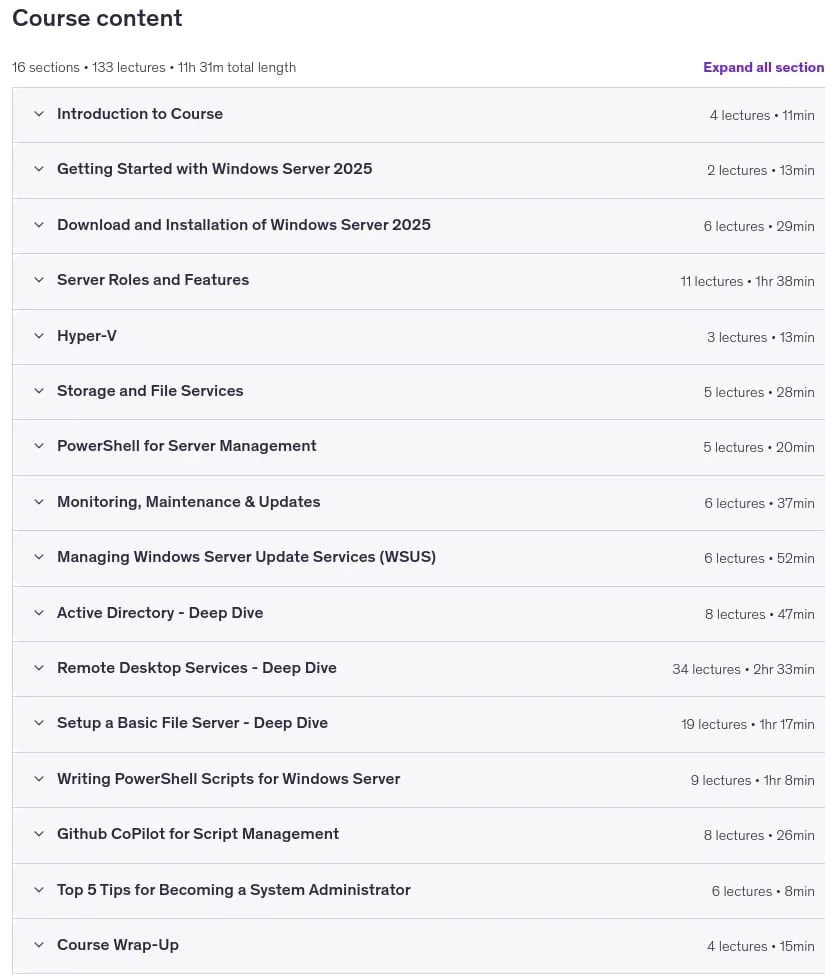
- Lectures : 133
- Duration : 11 hours and 31 minutes
Course syllabus

Prerequisites for the Windows Server 2025 – Beginners Guide and Hands on Labs course
- A basic understanding of computers and networking is helpful, but no prior Windows Server experience is required.
- (Optional but recommended) Access to virtualization software such as VMware Workstation, VirtualBox, or Hyper-V.
- A willingness to learn by doing.
Course images

Sample course video
Installation Guide
After Extract, view with your favorite player.
Subtitles: English
Quality: 1080p
The 2026/4 version has increased the number of lessons by 94 and the duration increased by 7 hours 45 minutes compared to 2025/5.
Download link
File(s) password: www.downloadly.ir
File size
3.3 GB