Description
Learning Markdown: Formatting Text without the Complexity. This course teaches you how to use Markdown, a lightweight text format, to create documents and format text without the complexities of traditional word processing software. Markdown is a simple text format that allows you to create structured documents and even HTML using a simple text editor. Known for its high readability, ease of writing, and easy conversion to formats like PDF, Word, or HTML, the language is quickly becoming the standard for writers who want to focus on their content rather than complex formatting. In this course, Ray Villalobos shows you how to write common Markdown syntax to create elements like headings, lists, tables, links, images, and quote blocks. The ultimate goal of this course is to equip you with the practical skills to effectively use Markdown in your everyday documentation production process so that you can produce high-quality content quickly and efficiently.
What you will learn
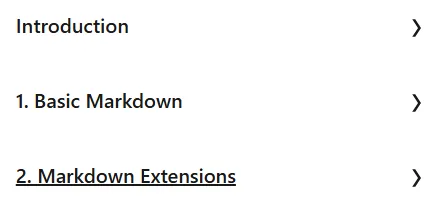
- Introduction:
- The best way to write, prompt, and more.
- Basic Markdown:
- The different flavors of markdown.
- Inline content.
- ATX headings and titles.
- Using block quotes.
- Thematic breaks and horizontal rules.
- Using Lists.
- Auto links, inline links, and link references.
- Add images.
- Using HTML and CSS in Markdown.
- Advanced Markdown:
- Creating tables in Markdown.
- Task lists.
- Fenced code and code blocks.
This course is suitable for people who:
- Writers and content producers looking for a simple, standard format for creating documentation.
- Programmers and developers who need quick and readable documentation for their projects.
- Anyone who wants to easily format text and convert it to different formats without having to deal with complex software.
- People who are looking to focus on the main content rather than specific document formatting issues.
Course details
- Publisher: LinkedIn
- Instructor: Ray Villalobos
- Training level: Beginner
- Training duration: 1 hour and 1 minute
Course headings

Course images

Sample course video
Installation Guide
After Extract, view with your favorite player.
Subtitles: English
Quality: 720p
Download link
Downloadly
Rapidgator link
File(s) password: www.downloadly.ir
File size
165 MB