Description
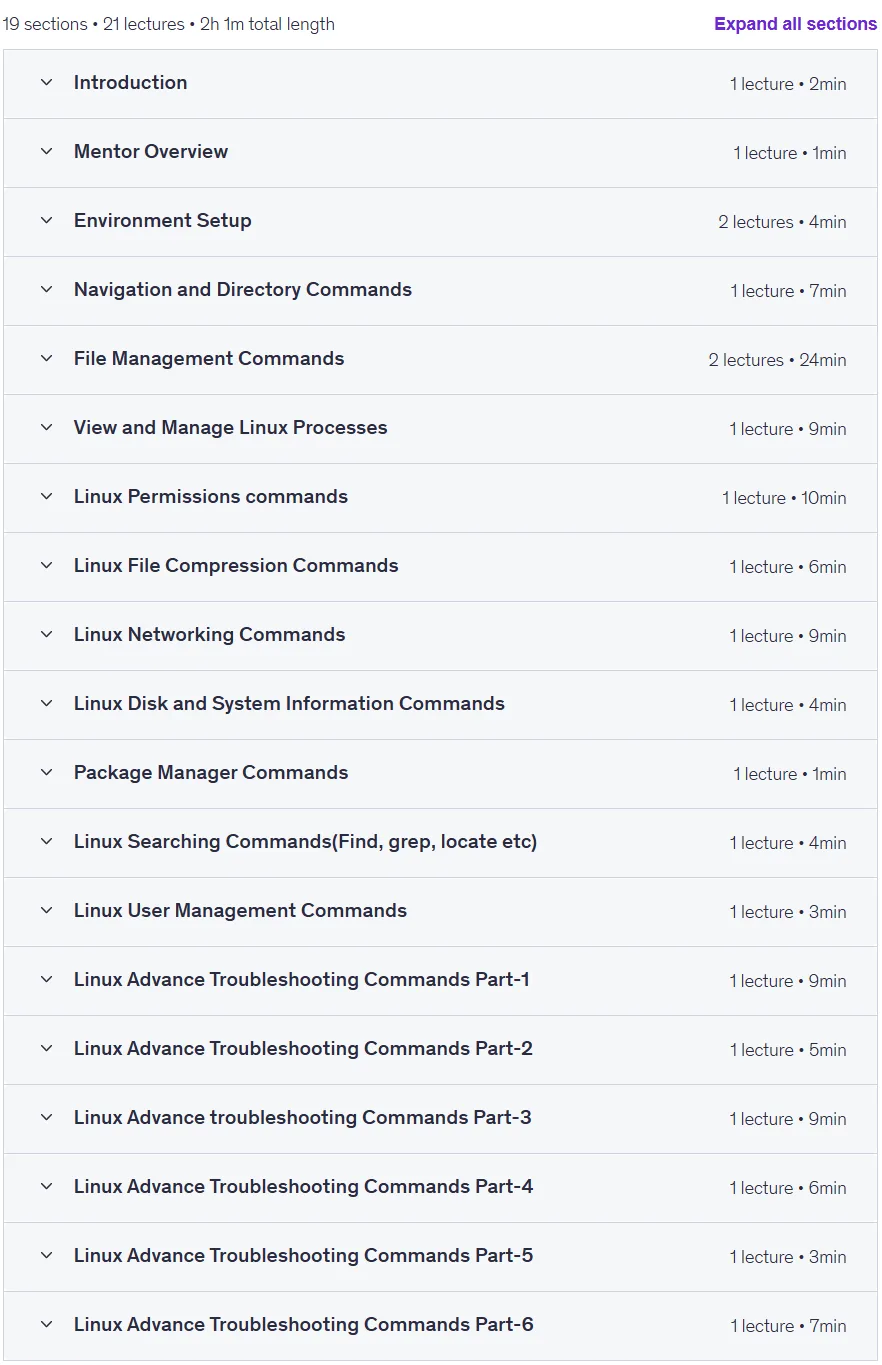
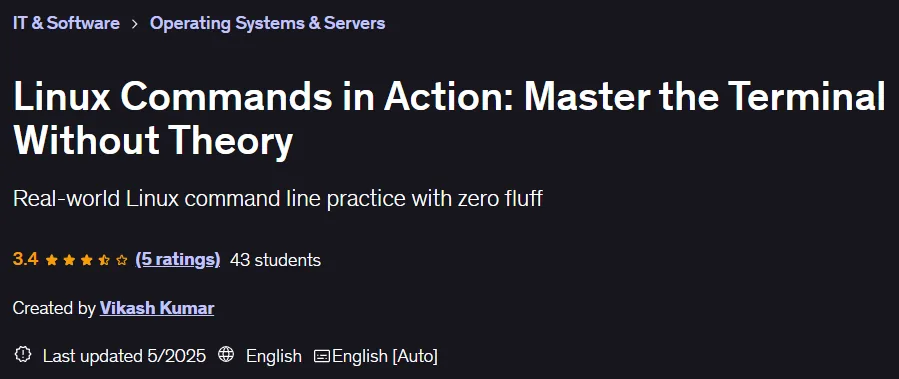
Linux Commands in Action: Master the Terminal Without Theory. This course takes a hands-on approach to learning the essential Linux commands to master the terminal environment. This course cuts through the clutter and gets you straight to the point with the Linux command line. Designed for all levels, from beginners to developers, cloud engineers, and system administrators, this course takes you from the basics like navigating and managing files to more advanced topics like system monitoring, user management, network configuration, SSH file transfers, and working with Git. You’ll master tools like htop, iostat, and fail2ban. This course includes over 20 modules and a downloadable reference guide, making it ideal for preparing for technical interviews, obtaining cloud certifications, and performing everyday Linux tasks. Each command is executed live, step-by-step in the terminal so you can see the results immediately. Productivity tools like tldr, cheat, ncdu, and bat are also introduced to enhance your efficiency. By the end of this course, you will be confident in system administration, server troubleshooting, back-end tasks, and working with cloud platforms using the Linux command line interface, and these commands can be run on all popular distributions like Ubuntu and CentOS.
What you will learn
- Understand and use essential Linux commands to navigate the file system and manage files effectively.
- Manage users, groups, permissions, and a partial understanding of the Linux file permission model.
- Perform software installation, system monitoring, and basic troubleshooting using real-world Terminal examples.
- Build confidence to work in a real Linux environment and prepare for technical interviews.
This course is suitable for people who:
- This course is for beginners, students, IT professionals, and job seekers who want to gain strong Linux skills for real-world use, interviews, or career growth in technology.
Course details
- Publisher: Udemy
- Instructor: Vikash Kumar
- Training level: Beginner to advanced
- Training duration: 2 hours and 1 minute
- Number of lessons: 21
Course headings
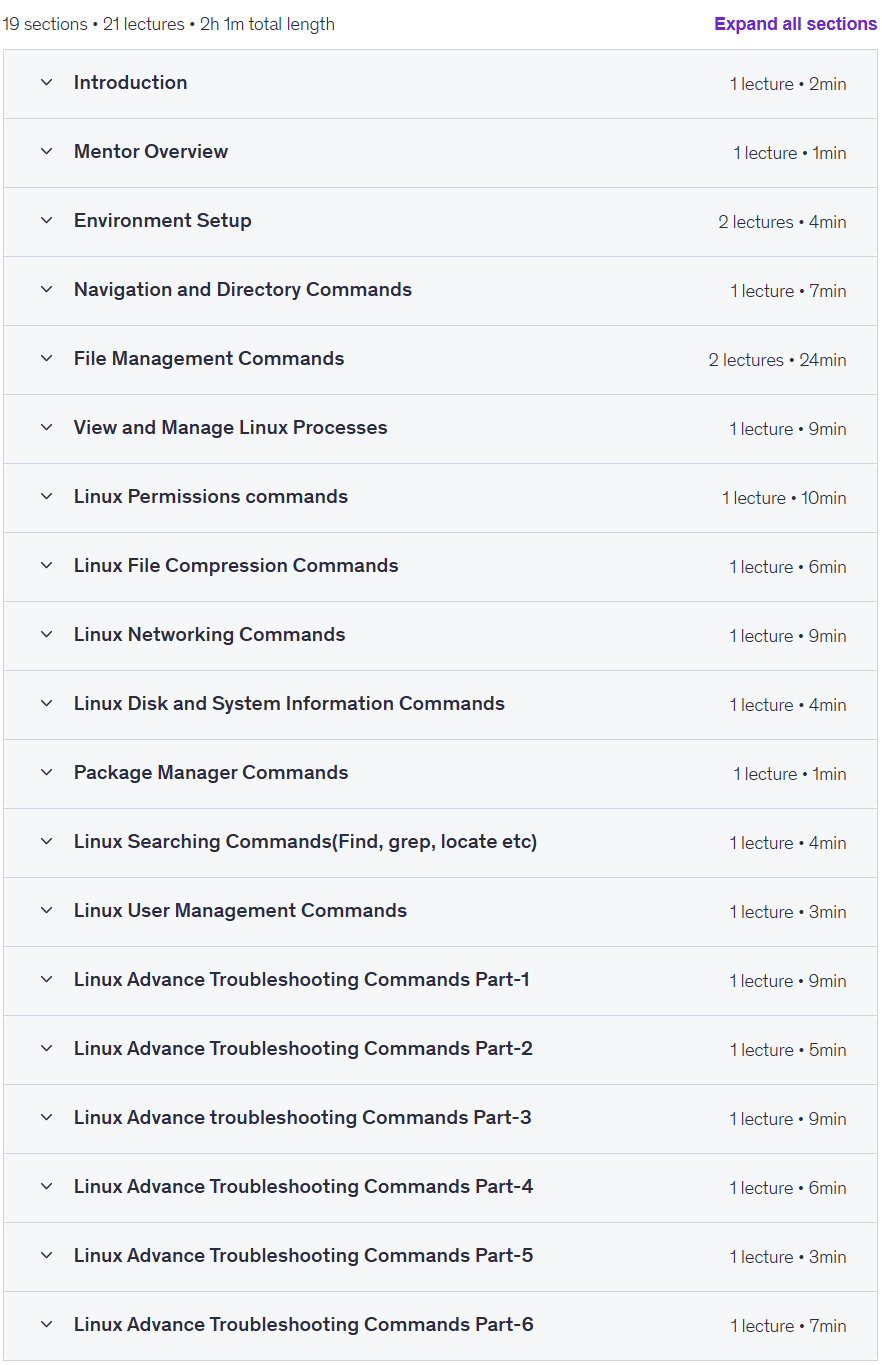
Prerequisites for the Linux Commands in Action: Master the Terminal Without Theory course
- No prior Linux experience needed. You’ll learn everything from scratch with hands-on terminal demonstrations.
Course images

Sample course video
Installation Guide
After Extract, view with your favorite player.
Subtitles: None
Quality: 1080p
Download link
Downloadly
Rapidgator link
File(s) password: www.downloadly.ir
File size
898 MB