Description
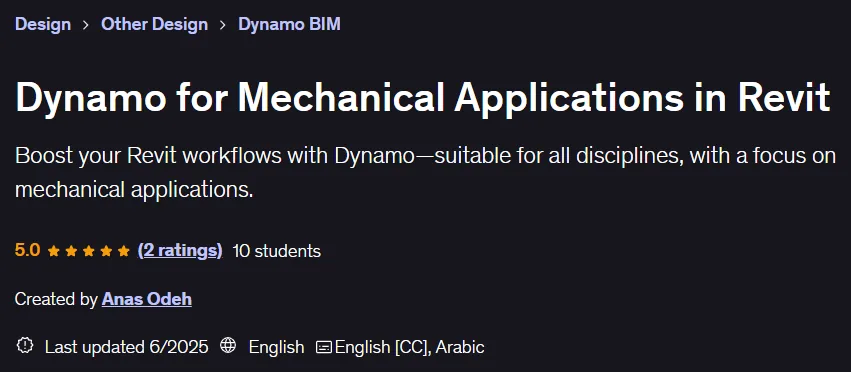
Dynamo for Mechanical Applications in Revit. This course is a project-based, hands-on training designed to empower Revit users to automate processes and increase productivity. This course is useful for all disciplines and teaches the basics of Dynamo, but its practical examples are specifically tailored for mechanical engineers. Learners start by installing Dynamo and getting familiar with the user interface, and quickly move on to real-world applications. Course content includes automating tasks with Dynamo Player, extracting and importing Revit data with Excel, using Python in Dynamo, converting AutoCAD drawings to mechanical models, and designing and sizing mechanical networks. Participants also learn how to edit Revit parameters, dynamically place elements, use custom nodes and packages, and synchronize Excel data with Revit elements. Automating the layout of mechanical systems, including routing pipelines, placing connections and measurements, as well as applying rule offsets to components from reference surfaces such as slabs, are other skills taught in this course. By providing project files, scripts, Revit models, and AutoCAD drawings, this course allows for hands-on learning in less than a day so users can immediately apply the knowledge gained to the workplace.
What you will learn
- Familiarity with the main functionality of Dynamo in Visualization.
- Identify and use custom nodes and Dynamo packages.
- Building user-friendly interfaces using Dynamo Player.
- Import and synchronize Excel data with Revit Elements.
- Integrate Python scripts into Dynamo for advanced automation.
- Convert AutoCAD 2D elements to Revit Model Components.
- Automate Mechanical System Layouts, including Routing, Fitting Placement, and Sizing.
- Apply rule-based offsets to mechanical components from reference surfaces such as slabs.
This course is suitable for people who:
- Revit users
- BIM modelers
- Mechanical and electrical engineers
- BIM Managers
- BIM Coordinators
- Architects
Course details
- Publisher: Udemy
- Instructor: Anas Odeh
- Training level: Beginner to advanced
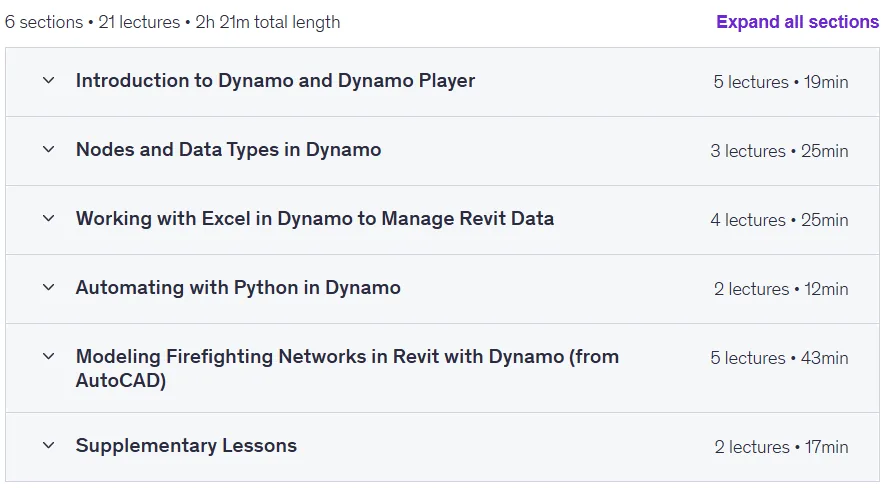
- Training duration: 2 hours and 21 minutes
- Number of lessons: 21
Course headings

Prerequisites for the Dynamo for Mechanical Applications in Revit course
- Revit Basics
Course images

Sample course video
Installation Guide
After Extract, view with your favorite player.
Subtitles: English
Quality: 720p
Download link
Downloadly
Rapidgator link
File(s) password: www.downloadly.ir
File size
1.8 GB