Description
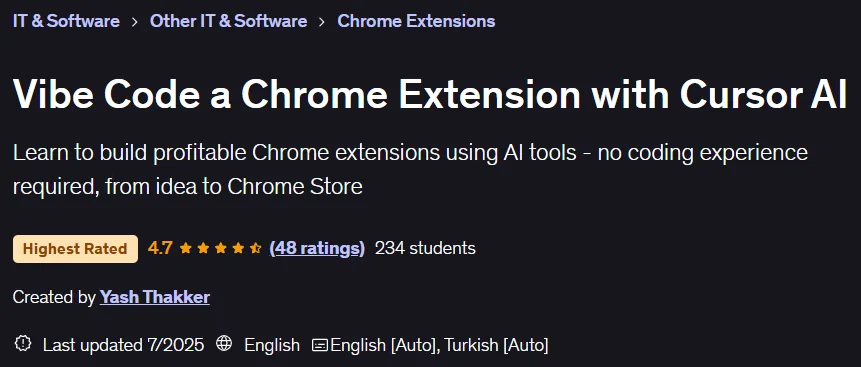
Vibe Code a Chrome Extension with Cursor AI. This course allows people with no programming background to create a functional and profitable Chrome extension using AI tools. Designed around a “sensory programming” approach, the course uses tools like Cursor IDE and ChatGPT to generate, debug, and optimize code, with a focus on creativity and problem-solving rather than technical intricacies. During the course, participants will build a real-world note-taking extension step-by-step and learn about the three-part architecture of Chrome extensions (including background scripts, content scripts, and the pop-up interface). They will also learn how to set up an AI-powered development environment, create floating buttons, design input forms, implement data storage, and integrate components. In addition to the technical aspects, important topics such as idea validation, wireframing, using GitHub for version control, debugging, and ultimately publishing the extension to the Chrome Web Store are covered. Drawing on the instructor’s three years of experience building successful extensions like Olly Social, this course provides a streamlined learning path that allows you to build a working product and monetize it.
What you will learn
- Build a complete Chrome extension from scratch using AI tools and ready-made templates without having to write complex code.
- Master the three-part architecture of Chrome extensions: background scripts, content scripts, and pop-up interfaces.
- Create interactive user interfaces including floating buttons, pop-up forms, and note-taking capabilities with persistent storage.
- Navigate the Chrome Web Store publishing process, including setting up a developer account, packaging the extension, and optimizing for the marketplace.
- Set up professional development processes with GitHub integration, version control, and code management best practices.
- Design effective wireframes and user flows for Chrome extension features before development begins.
- Monetize your Chrome extension with proven strategies to build a user base and generate revenue.
This course is suitable for people who:
- Aspiring entrepreneurs who want to launch Chrome extensions as a side business or venture without learning traditional programming.
- Product managers and business professionals looking to rapidly prototype browser-based tools using AI-assisted development.
- Complete beginners in coding who are curious about software development but intimidated by traditional programming approaches.
- Digital marketers and productivity enthusiasts who want to create custom browser tools to solve specific workflow problems.
- Students and people looking to change careers and are interested in entering the world of technology through practical development projects using artificial intelligence.
- Freelancers and consultants who want to add Chrome extension development to their services.
Course details
- Publisher: Udemy
- Instructor: Yash Thakker
- Training level: from beginner to advanced
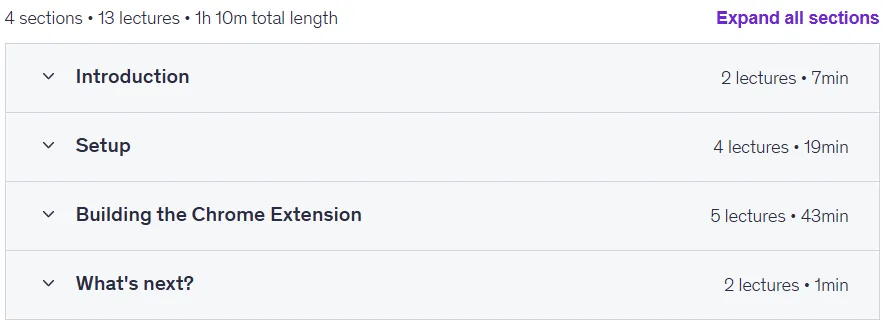
- Training duration: 1 hour and 10 minutes
- Number of lessons: 13
Course topics

Prerequisites for the Vibe Code a Chrome Extension with Cursor AI course
- No prior experience is required.
Course images

Sample course video
Installation Guide
After Extract, view with your favorite player.
Subtitles: None
Quality: 720p
Download link
Downloadly
Rapidgator link
File(s) password: www.downloadly.ir
File size
733 MB