Description
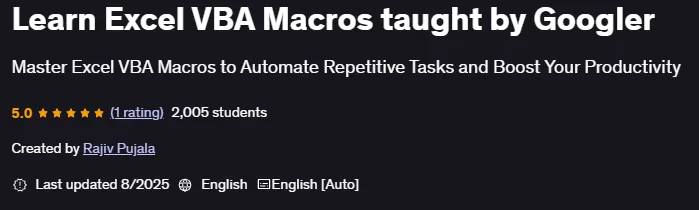
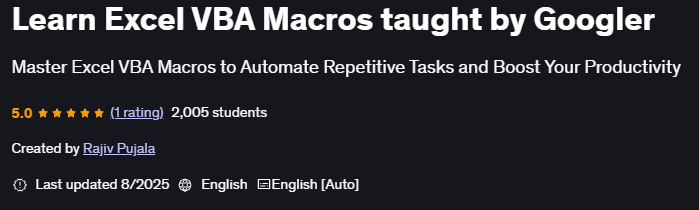
Learn Excel VBA Macros taught by Googler is a course published by Udemy Online Academy that teaches you how to unleash the full potential of Excel by automating tasks and building powerful macros using Visual Basic for Applications (VBA). This is a specialized course designed to help learners unlock the full potential of Excel by automating tasks and building powerful macros using Visual Basic for Applications (VBA). Taught by an experienced Googler, this course combines practical insights with industry-level techniques, making it ideal for professionals, students, and analysts who want to streamline their workflows and excel in data management and reporting.
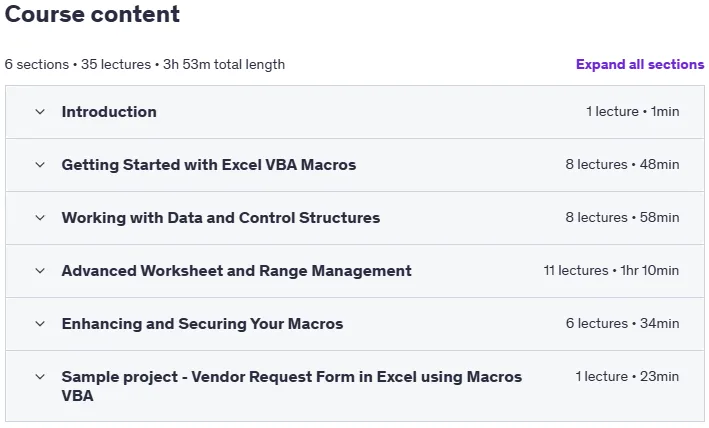
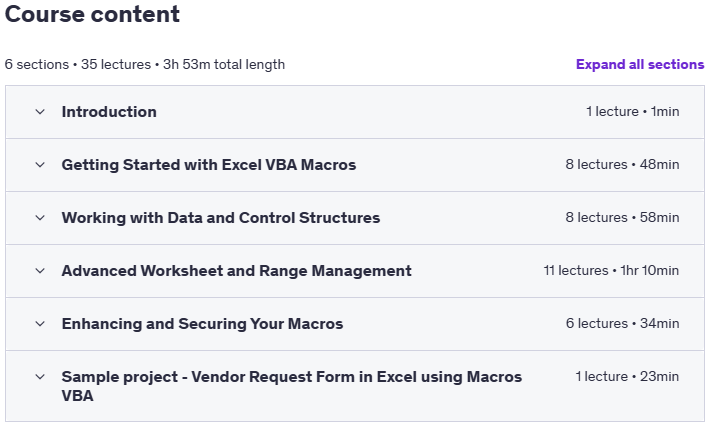
The course starts with the basics of VBA, including syntax, variables, and control structures, and progresses to writing custom functions, automating repetitive tasks, and creating dynamic macros. Learners gain hands-on experience building user forms, handling errors, and interacting with Excel objects to improve efficiency and productivity. Advanced sections include debugging techniques, optimization strategies, and developing real-world automation solutions used in professional environments. By the end, individuals will be able to design, test, and deploy powerful Excel automation tools that save time, reduce manual errors, and enhance their data analysis capabilities.
What you will learn in Learn Excel VBA Macros taught by Googler:
- Automate repetitive tasks in Excel using VBA macros to save time and reduce manual effort
- Write, edit, and run VBA code to precisely manipulate sheets, ranges, and cell values.
- Build logic using loops, conditions (IF, AND, OR), and error handling techniques to create powerful automation tools.
- Create and manage real-world projects like vendor request forms and automate reporting processes.
- Assign macros to buttons, keyboard shortcuts, and control sheet visibility for better user interaction.
- Implement professional techniques like applying formulas, sorting data, and working with dynamic last rows/columns.
- And…
Course specifications
Publisher: Udemy
Instructors: Rajiv Pujala
Language: English
Level: Introductory to Advanced
Number of Lessons: 36
Duration: 3 hours and 54 minutes
Course topics on 2025/8
Learn Excel VBA Macros taught by Googler Prerequisites
Basic understanding of Microsoft Excel (e.g., using formulas, navigating sheets).
No prior programming or VBA experience required — everything is explained from scratch.
Microsoft Excel installed on a Windows computer (VBA is fully supported only on Windows).
Willingness to practice and experiment with simple coding examples.
Pictures
Learn Excel VBA Macros taught by Googler introduction video
Installation guide
After Extract, watch with your favorite Player.
Subtitle: None
Quality: 720p
Download link
File password (s): www.downloadly.ir
Size
2.5 GB