Description
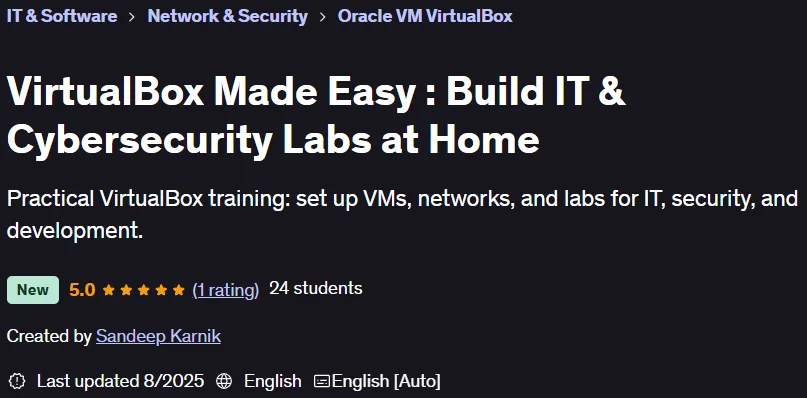
VirtualBox Made Easy: Build IT & Cybersecurity Labs at Home. This course teaches you step-by-step how to create and manage virtual IT and cybersecurity labs using VirtualBox software. This course introduces you to Oracle VirtualBox, one of the most powerful and free virtualization platforms, so you can run operating systems such as Windows and Linux simultaneously on your PC without the need for additional hardware. This course is designed for all levels, from beginner to expert. Topics start with the basics, such as installing VirtualBox and setting up your first virtual machine, and then move on to more advanced topics such as managing snapshots, configuring disks, and virtual networking, including NAT, Bridged, Host-Only, and Internal modes. It also emphasizes building practical and functional labs that meet real-world needs; for example, creating secure, isolated environments for penetration testing or malware analysis without compromising the main system. Key features such as shared folders, clipboard transfer, and port forwarding are also covered to simplify communication between host and guest. By the end of the course, you will not only be familiar with VirtualBox, but also have the ability to build virtual environments tailored to your needs. This course offers a safe and cost-effective way to acquire one of the most valuable skills in the IT world.
What you will learn
- Setting Up and Configuring VirtualBox: You will learn how to set up and configure VirtualBox to effectively create and manage multiple virtual machines.
- Understanding Networking Modes: You will learn how to use different networking modes (NAT, Bridged, Host-Only, Internal) to build real-world lab environments.
- Working with snapshots: You will learn how to take and restore snapshots so you can save the exact state of a virtual machine and restore it if needed.
- Build practical labs: By combining host and guest integrations such as shared folders and port forwarding, you build labs for penetration testing, system administration, or development.
- Import and Export Virtual Machines: You will learn how to export and import virtual machines so that you can share, back up, or redeploy a fully configured virtual machine without having to rebuild it.
- Configuring Port Forwarding: You will learn how to set up port forwarding so that your main machine can securely access services running inside virtual machines.
- Managing Virtual Disks: You will learn how to add and connect new virtual disks so you can expand storage space and simulate real-world scenarios.
This course is suitable for people who:
- Beginners in IT or cybersecurity: People who want to build hands-on labs without expensive hardware.
- Students and professionals: People preparing for certifications like CEH, CompTIA, etc. and need practice environments.
- Developers and testers: People who want to run multiple operating systems on a single computer.
- Tech Enthusiasts: People who are curious about virtualization and looking to create isolated environments for learning and experimenting.
VirtualBox Made Easy: Build IT & Cybersecurity Labs at Home Course Details
- Publisher: Udemy
- Instructor: Sandeep Karnik
- Training level: Beginner to advanced
- Training duration: 2 hours and 30 minutes
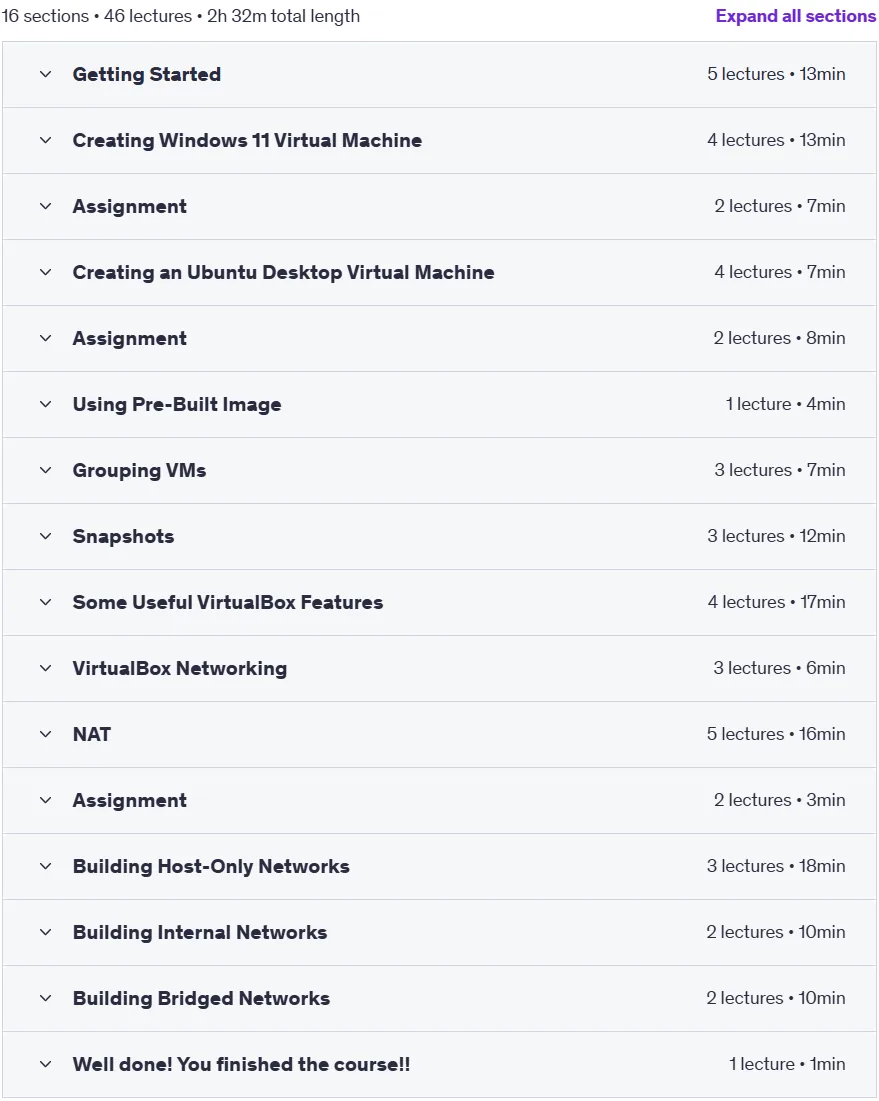
Course syllabus in 2025/8

Prerequisites for the VirtualBox Made Easy: Build IT & Cybersecurity Labs at Home course
- No prior virtualization experience is required.
- Everything will be explained step by step. Learners should be comfortable with basic computer operations such as installing software, navigating folders, and adjusting system settings.
- VirtualBox is available on Windows, Mac and LInux, but we will use Windows in this course for our host machine. So the course is best followed with Windows 10 or 11 as the host machine OS.
- A stable internet connection to download VirtualBox and any additional resources.
Course images

Sample course video
Installation Guide
After Extract, view with your favorite player.
Subtitles: None
Quality: 1080p
Download link
Downloadly
Rapidgator
File(s) password: www.downloadly.ir
File size
1.6 GB