Description
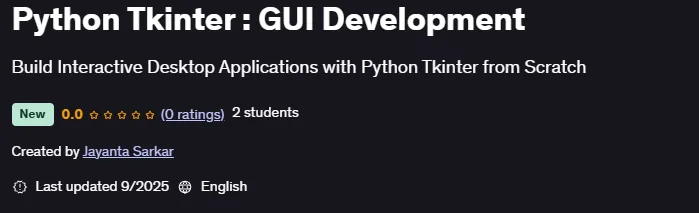
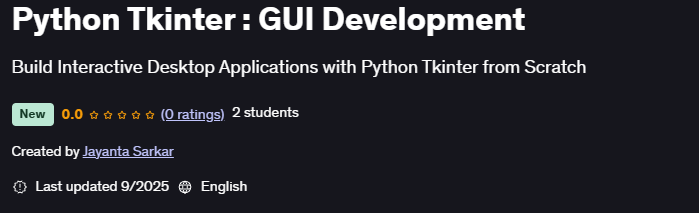
Python Tkinter: GUI Development is a course on how to create desktop applications with Python’s built-in GUI tool, Tkinter, published by Udemy Online Academy. This is a beginner-friendly yet comprehensive course that teaches people how to create desktop applications with Python’s built-in GUI tool, Tkinter. The course covers the basics of GUI programming, including windows, widgets, layouts, and event handling, while gradually progressing to building interactive, professional applications. Through practical examples and projects, participants gain hands-on experience in designing user-friendly interfaces and bringing Python applications to life with graphical elements.
This course is designed to take you from beginner to advanced in Python GUI development using Tkinter, Python’s built-in GUI toolkit. Whether you’re just starting your journey with Python or planning to build professional desktop applications, this course will equip you with everything you need. By the end of this course, you’ll have the confidence and skills to design and develop real-world GUI projects.
What you will learn in Python Tkinter : GUI Development:
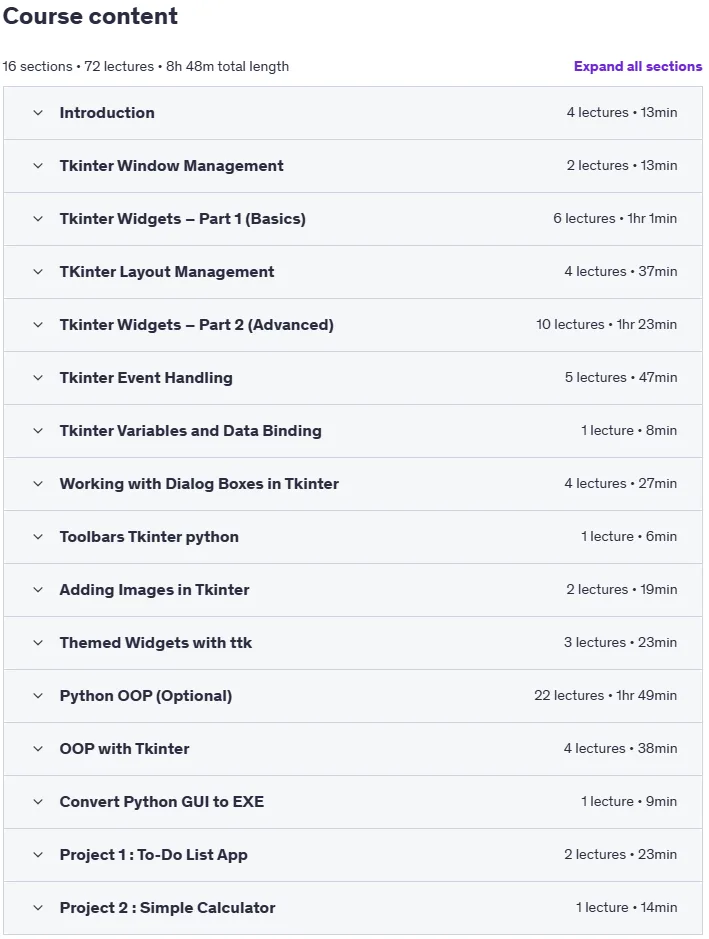
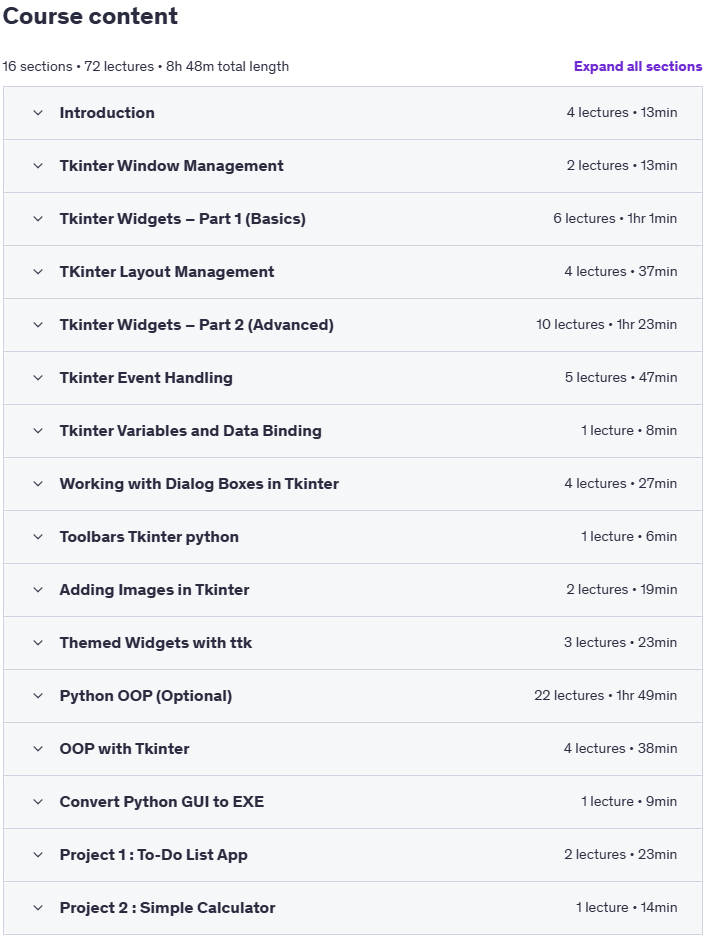
- Introduction to Tkinter – Set up your first window, understand mainloop(), and start programming GUIs.
- Window Management – Control title, size, position, icons, fullscreen, and resize.
- Basic Widgets – Work with labels, buttons, input fields, text areas, messages, and frames.
- Layout Management – Organize GUIs using Pack, Grid, Place, and Nested layouts.
- Advanced Widgets – Explore Checkbuttons, Radiobuttons, Listboxes, Comboboxes, Spinboxes, Scales, Progressbars, Menus, Tabs, and more.
- Event Management – Learn about commands, bindings, keyboard/mouse events, and widget states.
- Tkinter Variables and Data Binding – Use StringVar, IntVar, DoubleVar, and BooleanVar for real-time data updates.
- Dialog Boxes – Implement message boxes, file dialogs, and color pickers. Menus and Toolbars – Create menu bars, submenus, and functional toolbars with icons.
- And …
Course specifications
Publisher: Udemy
Instructors: Jayanta Sarkar
Language: English
Level: Introductory to Advanced
Number of Lessons: 69
Duration: 8 hours and 13 minutes
Course topics on 2025/9
Python Tkinter : GUI Development Prerequisites
A basic understanding of Python (variables, loops, functions).
Python installed on their computer (3.7 or higher recommended).
A code editor such as Visual Studio Code or PyCharm (optional but recommended).
No prior GUI programming experience is required – we’ll start from scratch!
Pictures
Python Tkinter : GUI Development introduction video
Installation guide
After Extract, watch with your favorite Player.
Subtitle: None
Quality: 1080p
Download link
File password (s): www.downloadly.ir
Size
1.7 GB